
#wheelswednesday is on hiatus until further notice. Nobody contacted me since last Wednesday’s post where I asked readers to tell me if they wanted me to continue that series’ focus on automobiles. Instead today’s post is on a topic that has permeated several recent posts and that includes the one I wrote about low key photography and the question of whether to shoot glamour images in black and white or color.
Today’s Post by Joe Farace
“I work in color sometimes, but I guess the images I most connect to, historically speaking, are in black and white. I see more in black and white/ I like the abstraction of it.”–Mary Ellen Mark
 Monochrome photographs exist in a world where each position on an image can record and show a different amount of light but not a different color. The majority of monochrome photographs produced today are black-and-white, either from a gelatin silver process or as digital images captured directly in black and white or converted from an original color image file. Other hues besides grey can be used to create monochrome photography and brown and sepia tones were typically the result of older processes like the albumen print. Cyan tones were the product of cyanotype prints or maybe just a digital conversion produced with image enhancement software.
Overcoming Monochrome Challenges
One of the things I like to do to get myself out of a rut is to shoot some photographs, especially portraits, in monochrome. It doesn’t have to be all the images I’ll make during a session; maybe just a few to, you know, see what happens.
These days, when shooting in direct monochrome mode I’ll use a “belt and suspender” method to give me options for processing that image file later. With the camera set in Monochrome mode, most cameras have a RAW+JPEG option that lets you capture a monochrome (JPEG) and color (RAW) file at the same time, while displaying a black and white image in the EVF and LCD. After doing a test shoot with a new model, I’ll typically give her the monochrome JPEG files and use the RAW files to create the final black and white version.
 Capturing images in color in order to convert them to monochrome later is a good idea too and it’s one of the main reasons I like the RAW+JPEG capture option. All all of my favorite portrait retouching tools, such as Imagenomic’s’ Portraiture, work better with color files because there’s so many more color tones for the software to work with.
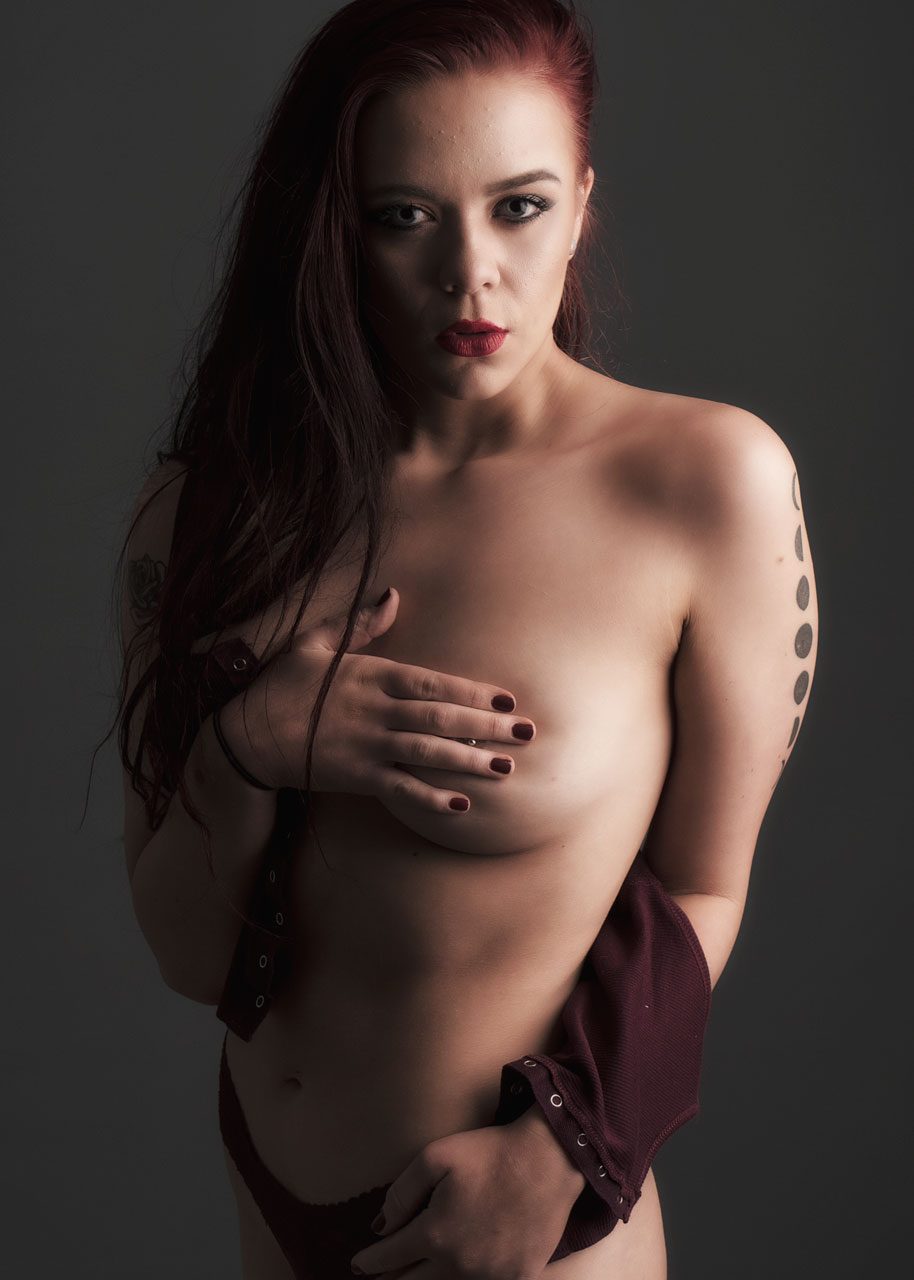
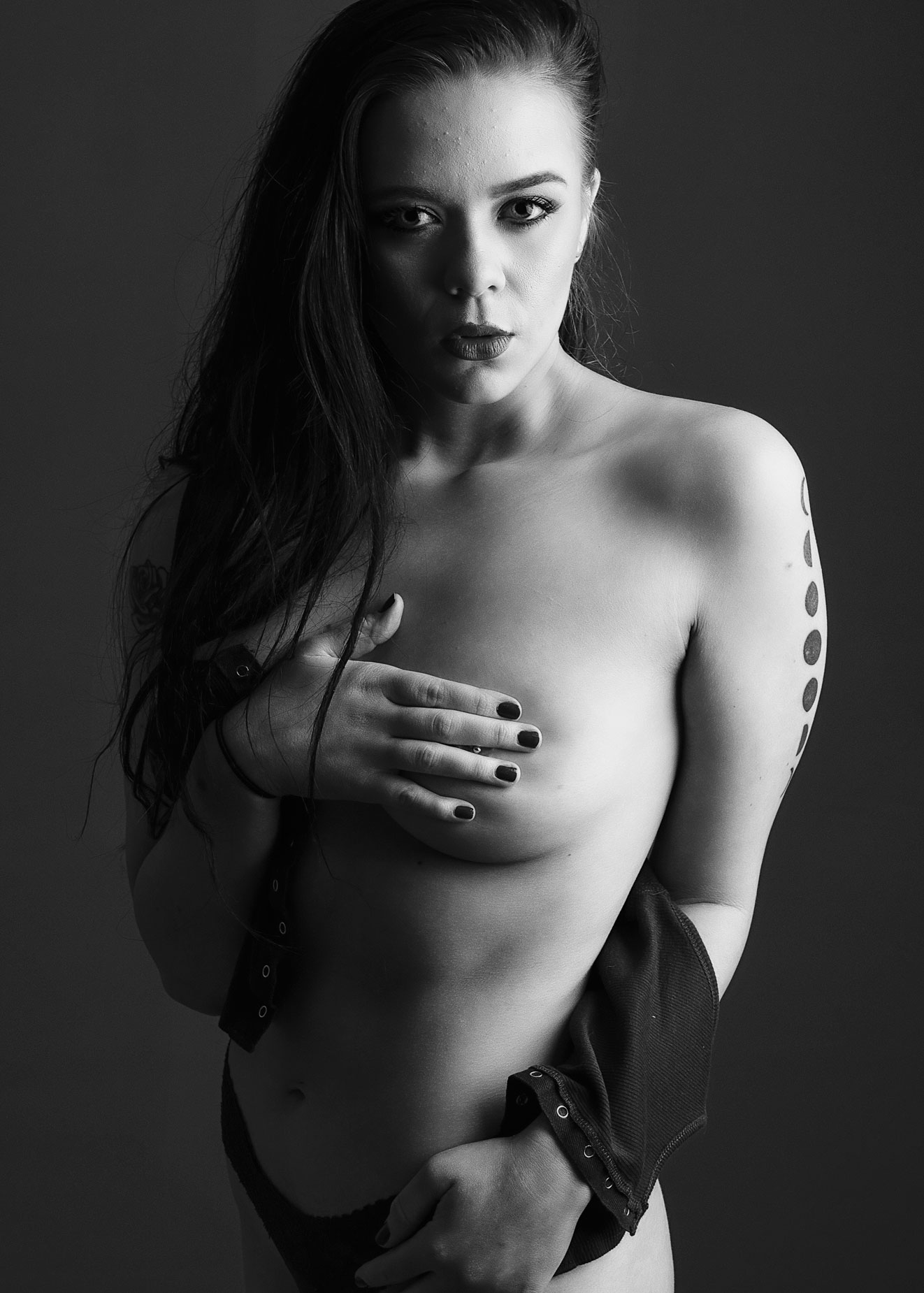
After retouching, I’ll switch the file to a monochrome conversion software such as Exposure from Exposure Software, that was used for this glamour portrait of Ashley Hanna. If you want to give the software a try, you can download a 30-day trial version and use it with your own photographs.
How I Made this image: I photographed Ashley Hannah in my 11×15-foot home studio. The backdrop used was a 5×7-foot Savage Photo Grey Infinity vinyl background.hung from JTL background stands. Lighting for this portrait was my usual combination of Paul C Buff’s AlienBees 800 and DigiBee 800 monolights that I’ve standardized on for studio use. Paul C Buff is not a sponsor of me or this blog. I do not get a single penny from you clicking those links; they are just provided just for your convenience.
The camera used was a Panasonic Lumix GH4 with G Vario 14-45mm f/3.5-5.6 lens at 45mm and an exposure of 1/125 sec and f/5.6 and ISO 200. The color RAW file (above right) was converted to monochrome (at left) with Exposure Software’s Exposure sandwiched with a light layer of softness from the Glamour Glow filter from Color Efex for a final touch.
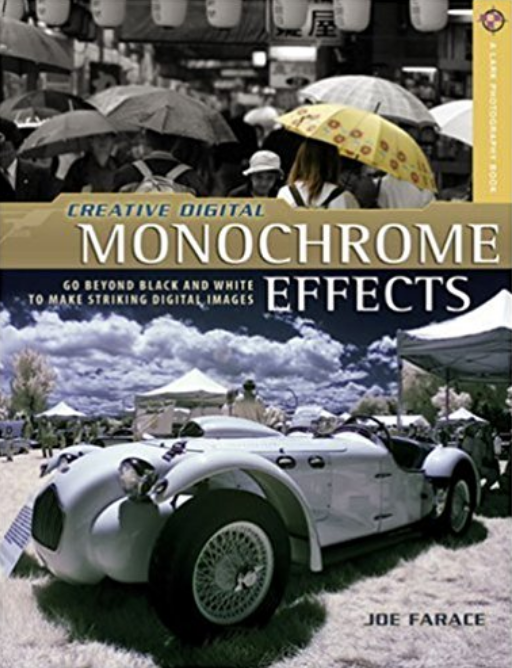
Copies of my book Creative Digital Monochrome Effects are available from Amazon with used copies starting around seven bucks as I write this, which is probably less than your next coffee at a Starbucks drive-through. No Kindle version is currently available, sorry.