
Today’s Post by Joe Farace
Never say there is nothing beautiful in the world anymore. There is always something to make you wonder in the shape of a tree, the trembling of a leaf.—Albert Schweitzer
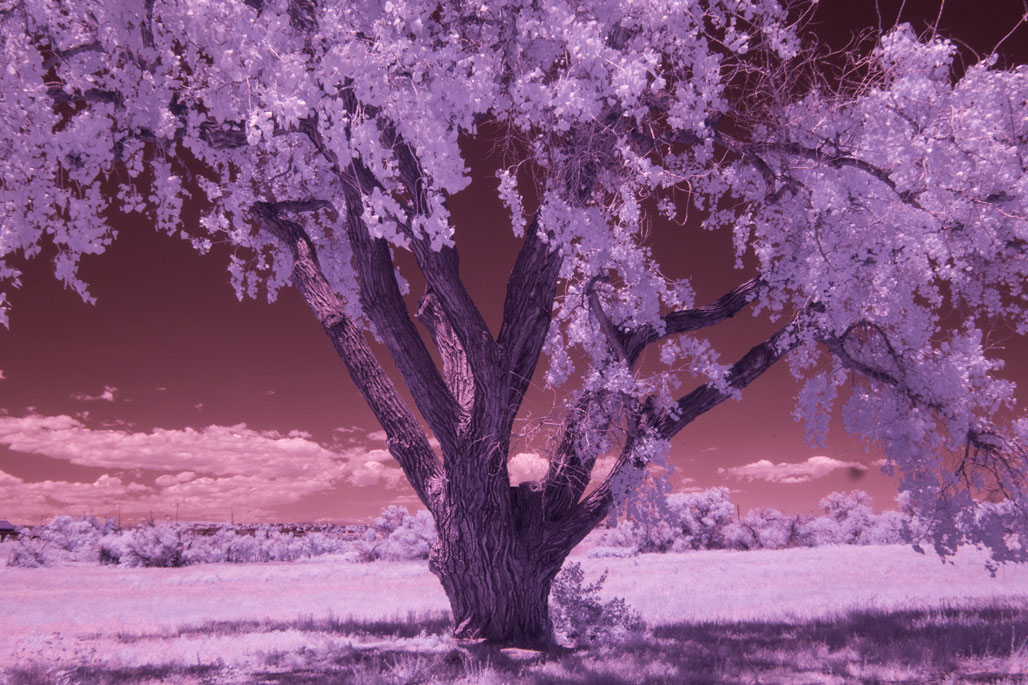 In a post entitled “Infrared in Black & White,” I suggested that when capturing infrared images you shoot in monochrome mode and, when you do, no white balance will be required. After all, everything is there for you to see in black and white right there on the LCD screen.
As I’ve gained more experience in working with the Panasonic Lumix G6 that was converted for infrared capture by LifePixel with their Enhanced IR filter, I’ve had a slight change of heart. This 665 nanometer (nm) filter allows more visible (colored) light to pass through the lens onto the sensor and is especially suited for creating color IR photographs with lots of saturation and color range.
What’s a nanometer? In short, the prefix “nano” means one-billion so, one nanometer is one-billionth of a meter. Infrared light has some of the same properties as visible light. It can be focused and reflected just like visible light and can be aligned and even polarized, although I’ve never tried that—yet. Infrared film is sensitive to IR radiation, some ultraviolet radiation and to all of the wavelengths of visible light but is not as sensitive to green light.
Shooting with the 665nm Filter
Based on recent experiences, I don’t think that’s the best way to shoot with this filter because it seems more sensitive to variations in exposure than my Panasonic Lumix G5 that has the Standard IR conversion (720nm.) By comparison, overexposed Enhanced IR images can still be used to produce a good black & white image, because as LifePixel themselves state, “BW also looks quite good although with a bit less contrast without adjustments.”
Since traditional histograms don’t work as well for infrared capture, you can get some idea of the sky/foreground separation in a landscape image just by looking at the camera’s LCD screen and/or EVF for mirrorless shooters. To me, the magenta-toned images that appear on the LCD screen look a bit like color negative film and may be a harder to view but you should be able to clearly see separation between the sky and foreground, if there is any. With sufficient separation you can produce the kind of color infrared images seen in my tutorial How to Produce the Blue Sky Infrared Technique. Obtaining proper exposure when shooting with the Enhanced IR filter—bracketing may be required—lets you to produce images like today’s featured images.
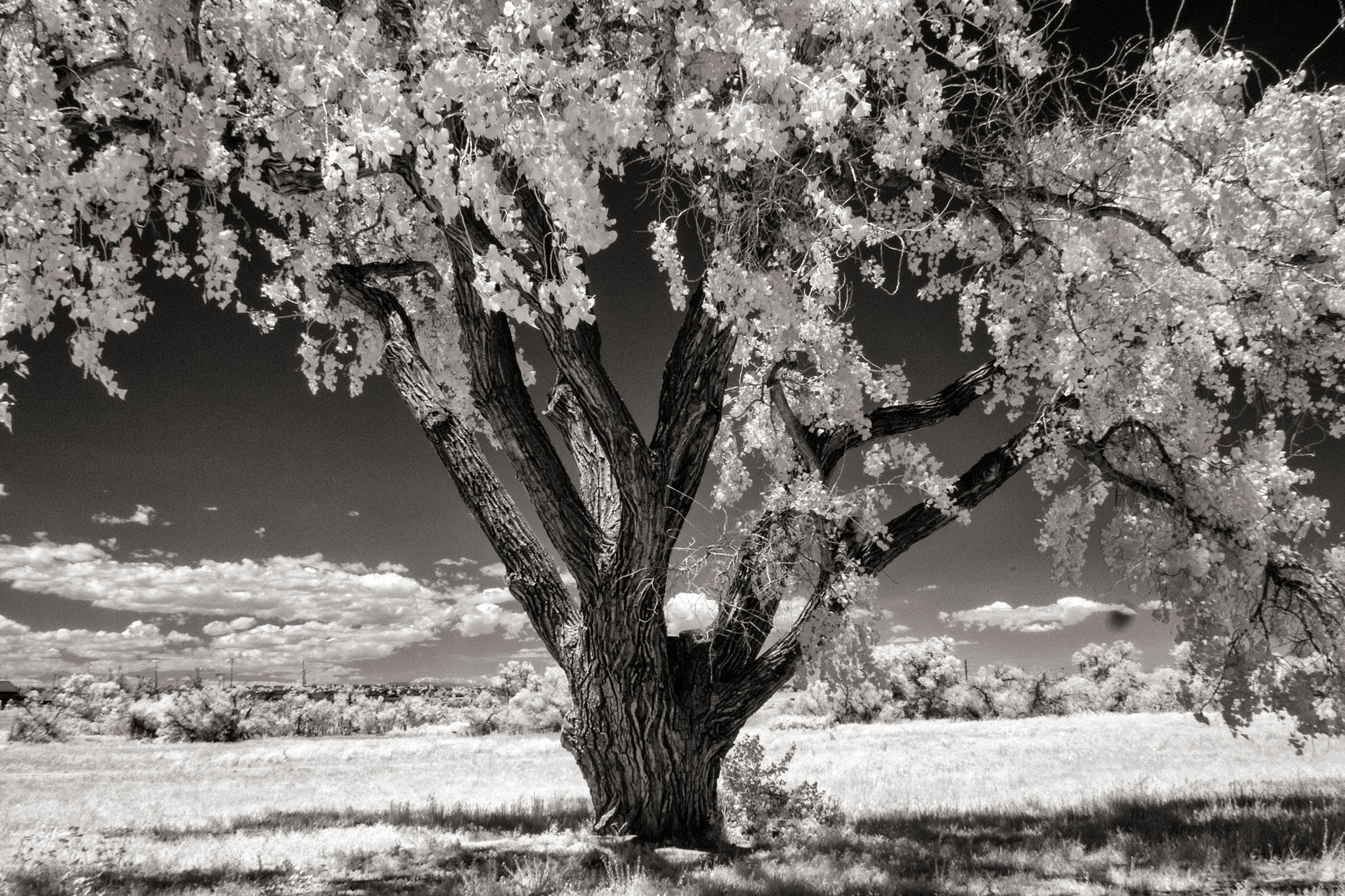
How I made this photograph: I photographed this tree in McCabe Meadows, my favorite local park to make infrared images. The camera used was a Panasonic Lumix G6 that had the Enhanced IR (665nm) filter conversion from Life Pixel. The lens used was the Olympus M. Zuiko 17mm f/2.8 (34mm equivalent) with an exposure pf 1/200 sec at f/16 and ISO 400. The RAW file was opened and tweaked in Adobe Camera RAW. It was then converted to monochrome using Silver Efex before being toned using the Platinum tone option in PhotoKit 2.0.
 I’ve found that Life Pixel does a great job with IR conversions and they’ve done most of the conversions for my Canon DSLRs and all of my Panasonic Lumix G-series cameras. This is not a paid or sponsored endorsement, just my experience.
Used copies of my book, The Complete Guide to Digital Infrared Photography are available from Amazon starting around nine bucks as I write this. My book Creative Digital Monochrome Effects has a chapter on IR photography and is available new from Amazon for $11.46 with used copies starting around six bucks as I write this.