
Once again I’m taking a break from the normal monochrome landscape images and occasional car photograph that I post on #monochromemonday to, instead, feature a portrait. If you like these kinds of posts on Monday, expect to se more; if you don’t, expect to see less. If you have any opinions on the subject, please let me know.
Today’s Post by Joe Farace
“Was this the face that launch’d a thousand ships,–Christopher Marlowe (1564-1593)
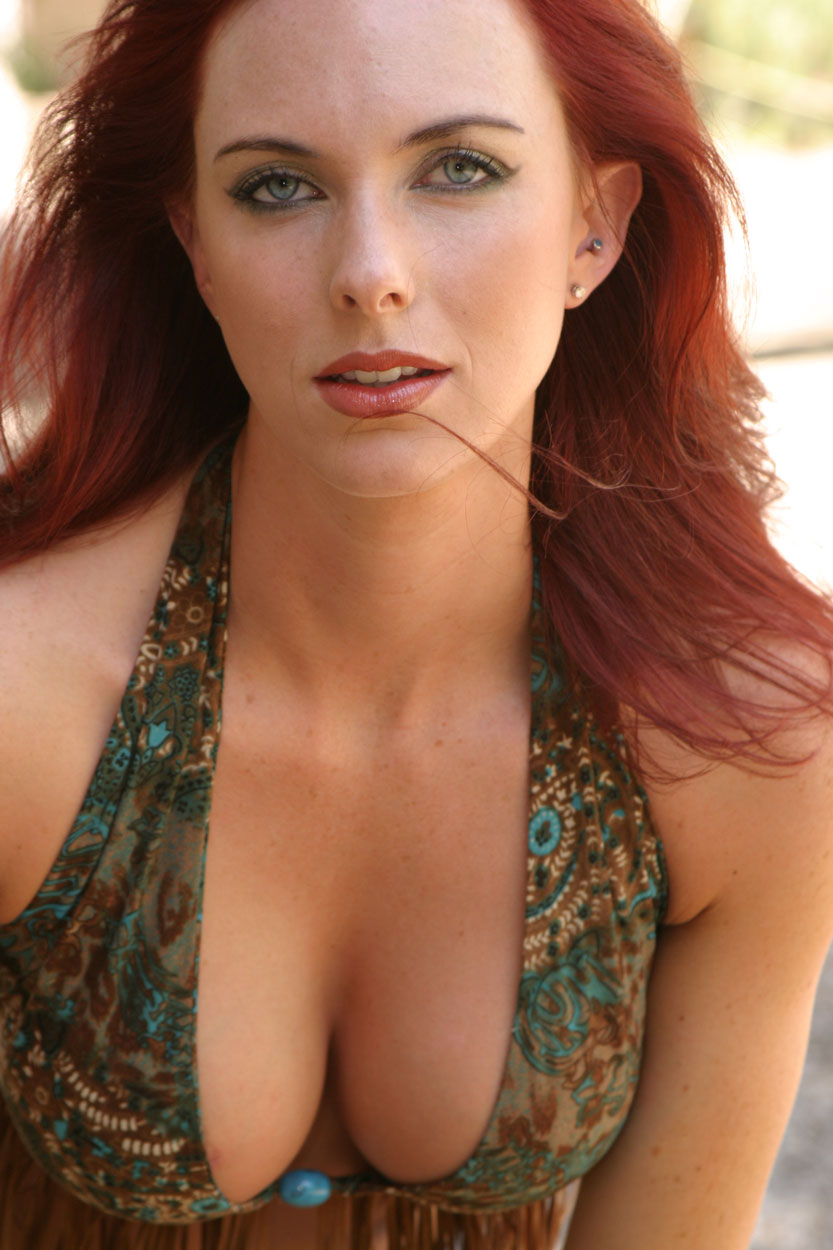 I have often said about the beauty that is Shea that she is, like Helen of Troy, “the face that launched a thousand ships” and it must be true because every time I publish a portrait of Shea I get emails from photographers who want to photograph her. And I agree. I was able to photograph Shea twice, both times at group model shoots so my time with her was limited by the event’s format but I would love to be able to photograph her again.
But why in monochrome? I think that black and white and other monochrome tones , like blue, can be a wonderful way to create glamour portraits because it produces a classic look. The lack of color simplifies an image, causing you to focus on a person’s face, which is the true subject of the photograph instead of their clothing or surroundings.
Monochrome Makes a Statement
Sometimes the very nature of the subject demands that the image be photographed in black and white. Arnold Newman’s classic portrait of composer Igor Stravinsky sitting at a piano could never have been made in color and have the same impact as it has as a monochrome image. That may not be true true for today’s featured image because, for me, it’s more of an aesthetic choice…
 (At right) This is what the original unretouched, unedited color portrait—Straight Out Of the Camera—of Shea looked like when I photographed her several years ago in Arizona at a group model shoot. It was made with a Canon EOS 10D and EF 28-105mm f/3.5-4.5 II USM lens (at 105mm) that I later stupidly sold. The lens has been discontinued but you can pick up copies from many sources including KEH and MPB. The exposure for the portrait was 1/100 sec at f/6.3 and ISO 200 with a minus one-third stop exposure compensation. A Canon EX420 speedlite with a Sto-fen Omni Bounce diffuser was used as fill, although I think it could have used a little more fill. Overall, it’s slightly underexposed and has some distracting background elements.
Color image files are much easier to retouch than monochrome files because there are so many more color tones for the tools or software to work with. So retouch first before attempting a black and white conversion but to be honest, Shea has such perfect skin little if any retouching was required
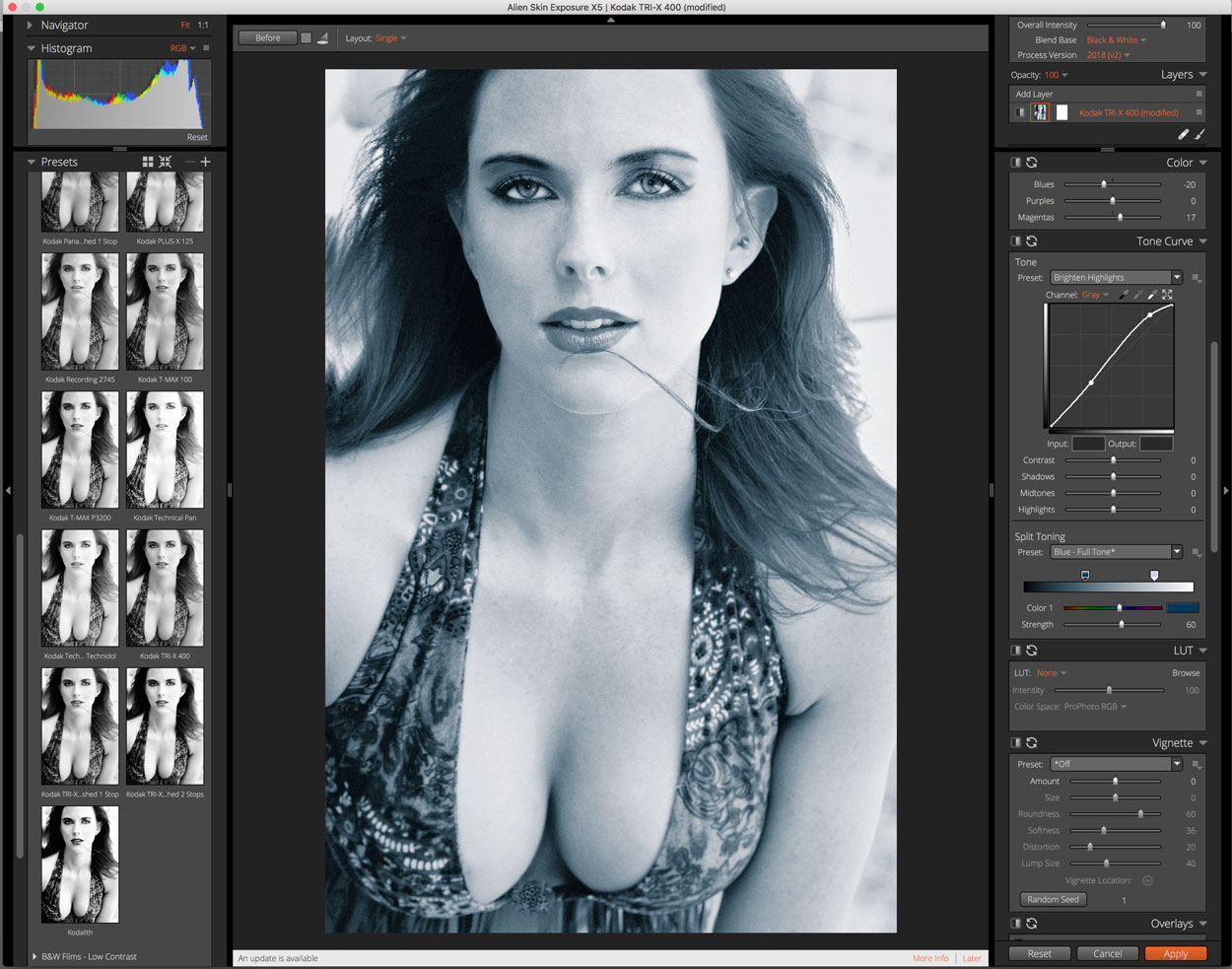
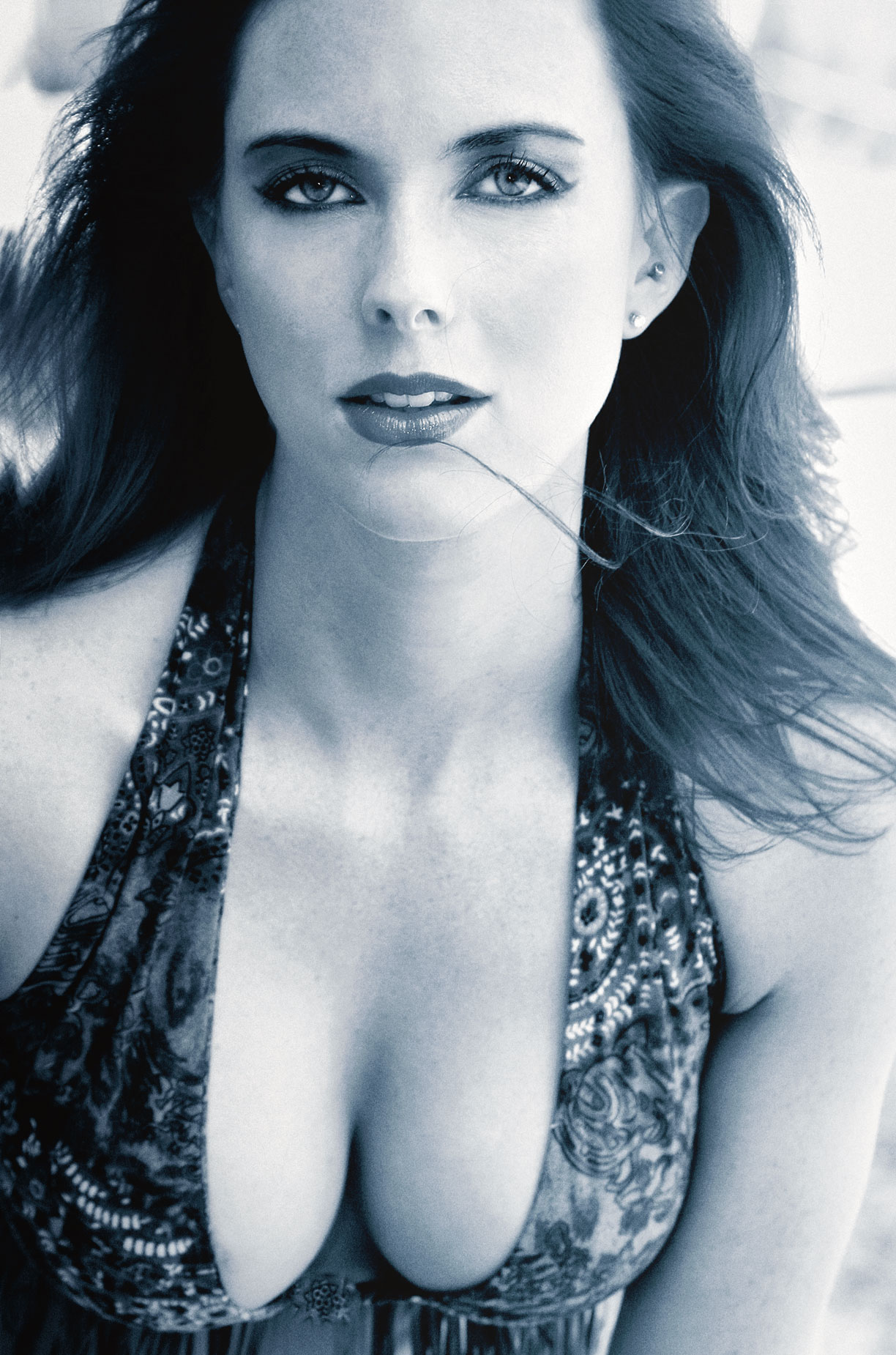 Next, the slight underexposure of the original portrait was corrected using this technique before being converted to black and white with Exposure Software’s Exposure using their Kodak Trix-X film emulation that was overlaid with a blue tint. Next I applied the Pro Contrast and Glamour Glow filter before adding some slight burning from layers produced by PhotoKit 2.
I think the finished, monochrome image has more of a gritty urban look than the color original, you can disagree if you like. It minimizes some of the busyness of what’s she’s wearing and the background clutter putting more focus on the subject. It was converted to monochrome and not just black-and-white but with a blue tone.
Special Note: Every time I feature a portrait of the beautiful Shea I get email from photographers who want to contact her. I’m sorry but I don’t have any of this information and felt lucky enough to be able to work with her in the past.
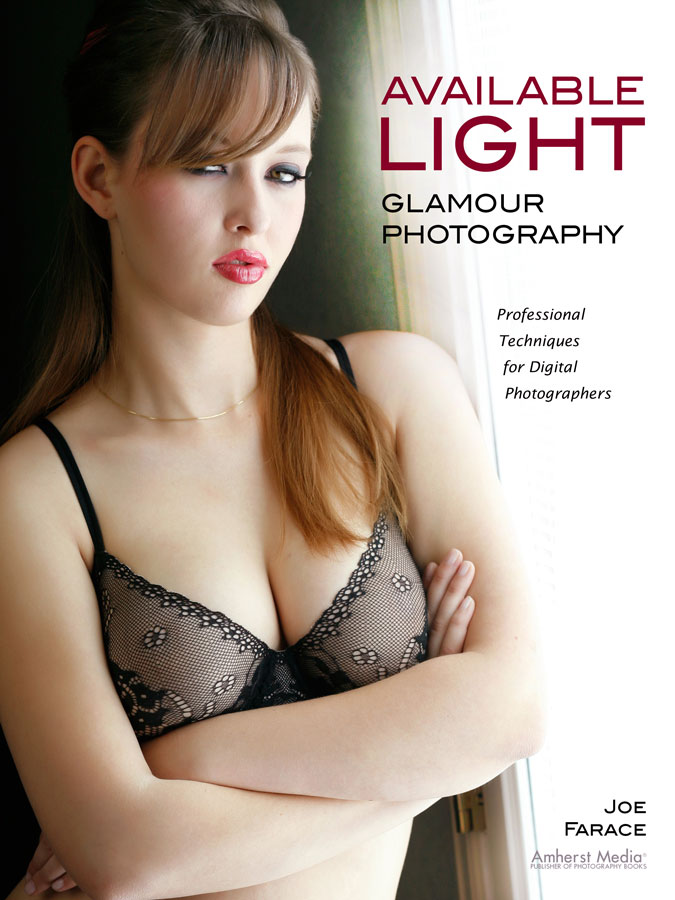
If you’re interested in learning how I shoot available light glamour and boudoir portraits, please pick up a copy of Available Light Glamour Photography which is available used from Amazon.com for $49.94, as I write this. The Kindle version is $27.83 for those preferring a digital format.