
Today’s post is a mashup between a look at the movies via a Joe’s Movie Club perspective, combined with a clap back to a recent photographic trend of underexposed portraits combined with a look at how I’m dealing with obsolete image file formats/ It’s all wrapped around another of my ongoing series about images that were shot in color and converted to monochrome.
Today’s Post by Joe Farace
And I always had this idea for making a movie about a femme fatale, because I like these characters. They’re a lot of fun, they’re sexy, they’re manipulative, they’re dangerous. –Brian De Palma
 On a personal note, In a previous post, I mentioned plans to shoot Ilford’s HP5 Plus film during a model shoot, if all went at planned. Because of unforeseen circumstances, the shoot did not happen. I still want to photograph part of my next glamour model session using film and hope that happens real soon now.
The Femme Fatale
According to Wikipedia, the film noir genre refers to mystery and crime films that were produced from the early 1940s into the late 1950s. Movies of this genre were typically shot in black and white and featured stories involving femmes fatales…
PS: Mr. De Palma did get to make that film he described in the above quote. Femme Fatale was a 2002 neo-noir thriller film that was written and directed by Brian De Palma. The film stars Antonio Banderas and Rebecca Romijn. It has a Rotten Tomatoes score of 49%.
In 1946. French film critic Nino Frank first used the term film noir, which is French for black or dark film to describe this specific Hollywood movie genre. One of my recent YouTube videos takes a look at two classic crime thrillers, one of which might be considered neo-Noir because of the style in which is was filmed.
What does film noir look like in still photography?. Evidently there is more than one way to accomplish this look. In a post Recent Trends in Portrait Photography I wrote about a trend of creating underexposed images of models and then posting them on social media. In it I wrote, “The use of underexposed images is more of a technical detail and maybe I’m too sensitive about it but some photographers seem to think that the best way to show a dark moody film noir image is to underexpose the portrait. Nope. When you underexpose (an image) you do make it darker but you also make it flatter and dull.”
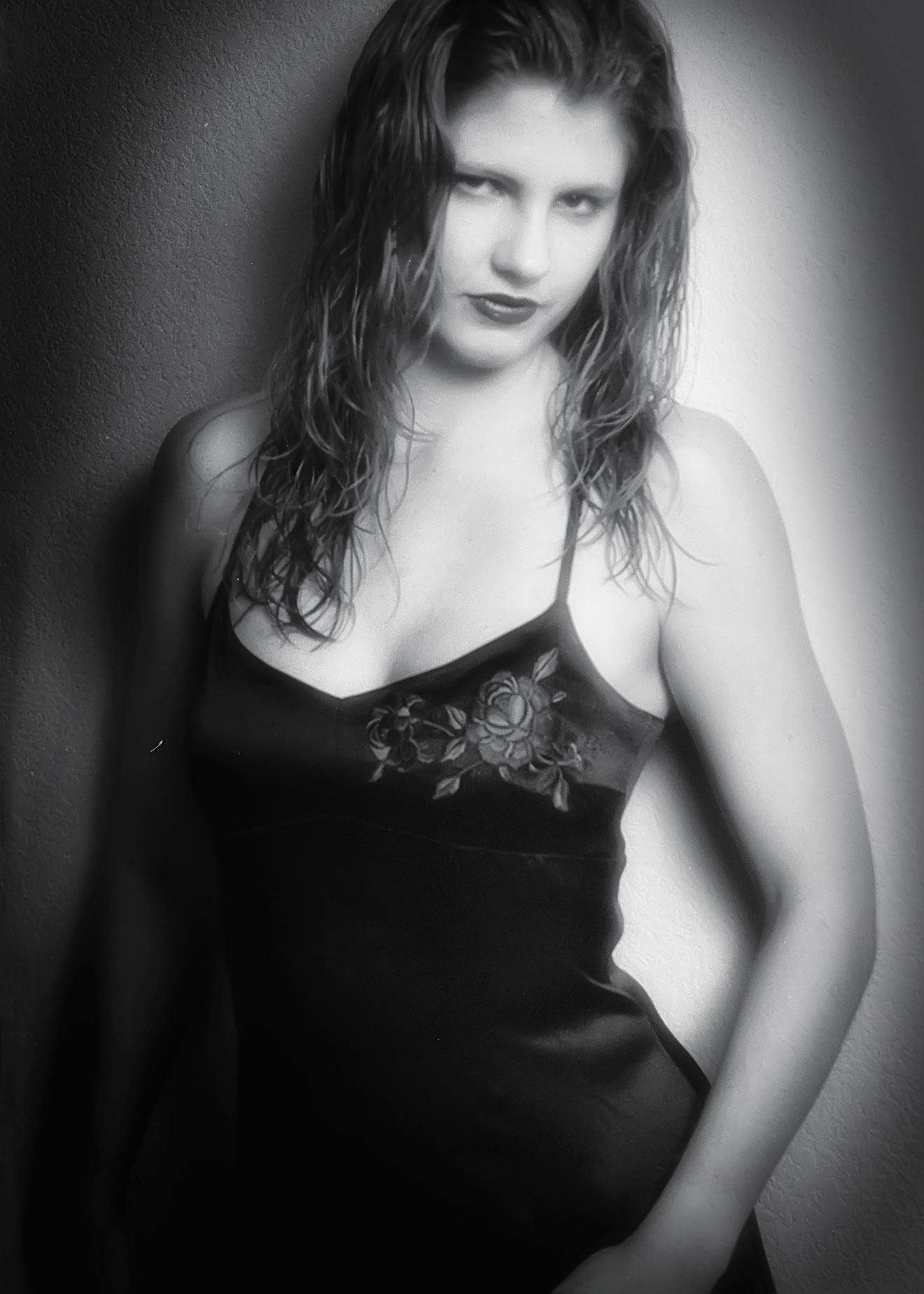 This brings me to one of Farace’s Laws that all special effects are subject dependent. A filter or effect that looks great for one kind of subject may not look so hot when applied to another, different kind of subject. It isn’t just the subject matter that will effect the final look but also how the image was made. Low or high key lighting and the overall mood of the photograph all respond differently to special effects filters and there’s only one to find out if it works for your particular image: You have to try it.
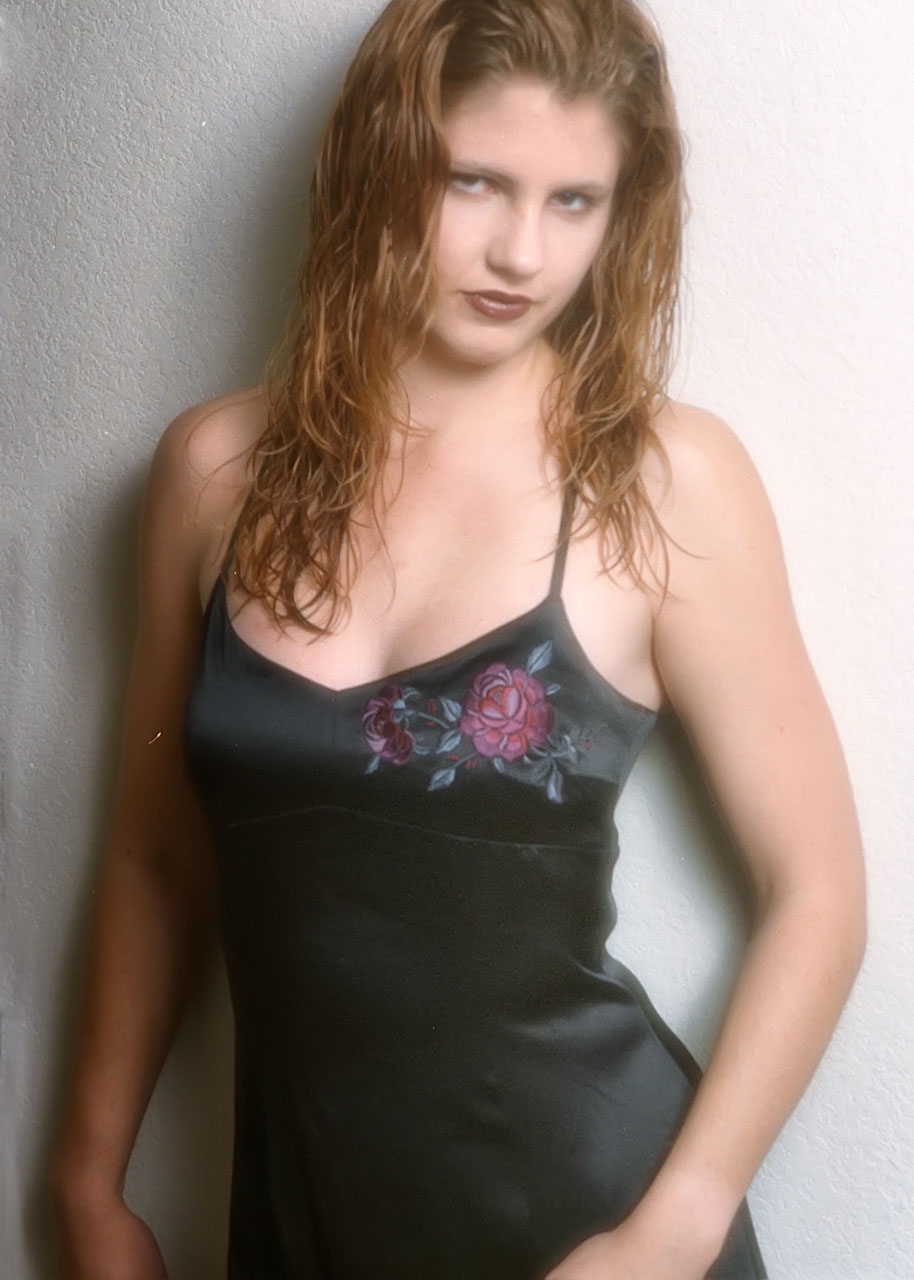
How I Made this Portrait: Here’s an idea: If you want to make a film noir image, why not shoot it with film? I photographed Kim in the living room of my former home using available light coming from a tall narrow window at camera right and a smaller window (in a door) at camera left. The camera used was my original Contax 167MT, not the one I recently purchased, with a Carl Zeiss Sonnar 85mm f/2.8 lens. The film used was Kodak color negative film. The exposure was unrecorded.
Scans of the negatives were made using Kodak’s Photo CD process and you can see the original color scan at above right. The file were originally opened using Apple’s iPhoto when the program still imported Photo CD files. It no longer does this but, at the time, the old version of the program did store all my image files. Apple discontinued iPhoto in 2015 and replaced it with their Photos app. For a look at a different way of importing and working with Photo CD files, take a look at this post when you have time.
This particular image was transferred form iPhoto to Photoshop using iPhoto’s “Use External Editor” command. Grain from the film’s scan was moderated with Dfine and I also applied Imagenomics’ Noiseware, although I’m not sure it did much. Next I applied Photoshop’s own Smart Sharpen tool. The color file was converted to monochrome with Exposure Software’s Exposure using their B&W Tonality presets, specifically the Shadow Recovery Narrow 50% (modified) preset. Then I added a layer of the Glamour Glow filter that’s part of Color Efex for the final Hollywood touch.
 If you would like to send black and white or color 35mm film for me to review or any other photo equipment that could be used for these posts and my videos, you can get my mailing address by clicking the CONTACT tab and asking. I’ll get right back to you with the address,
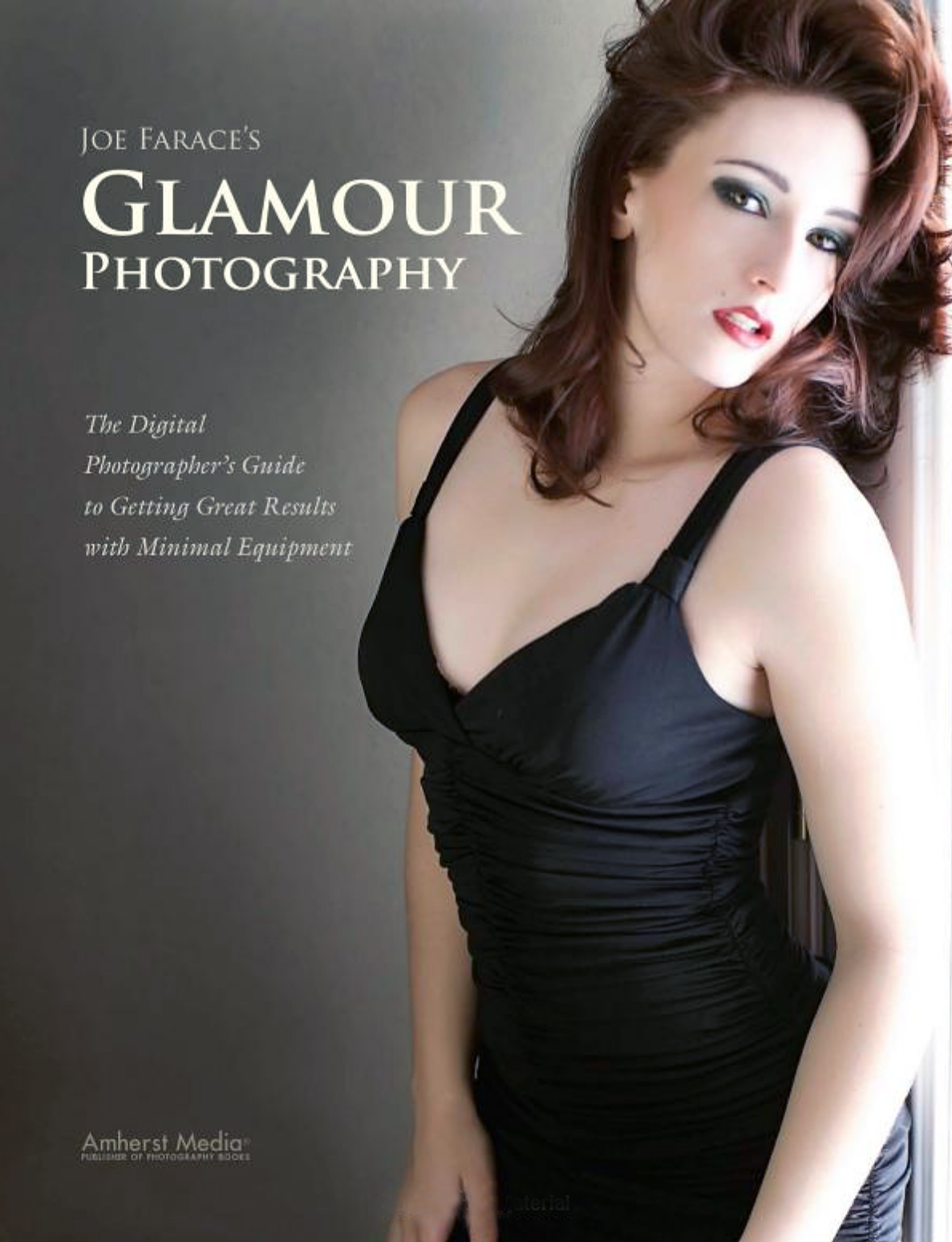
My book Joe Farace’s Glamour Photography is full of tips, tools and techniques for glamour and boudoir photography and includes information on all of the cameras used as well as the complete exposure data for each image. Used copies are $34.09, as I write this. The Kindle version is $19.99 for those preferring a digital format.