
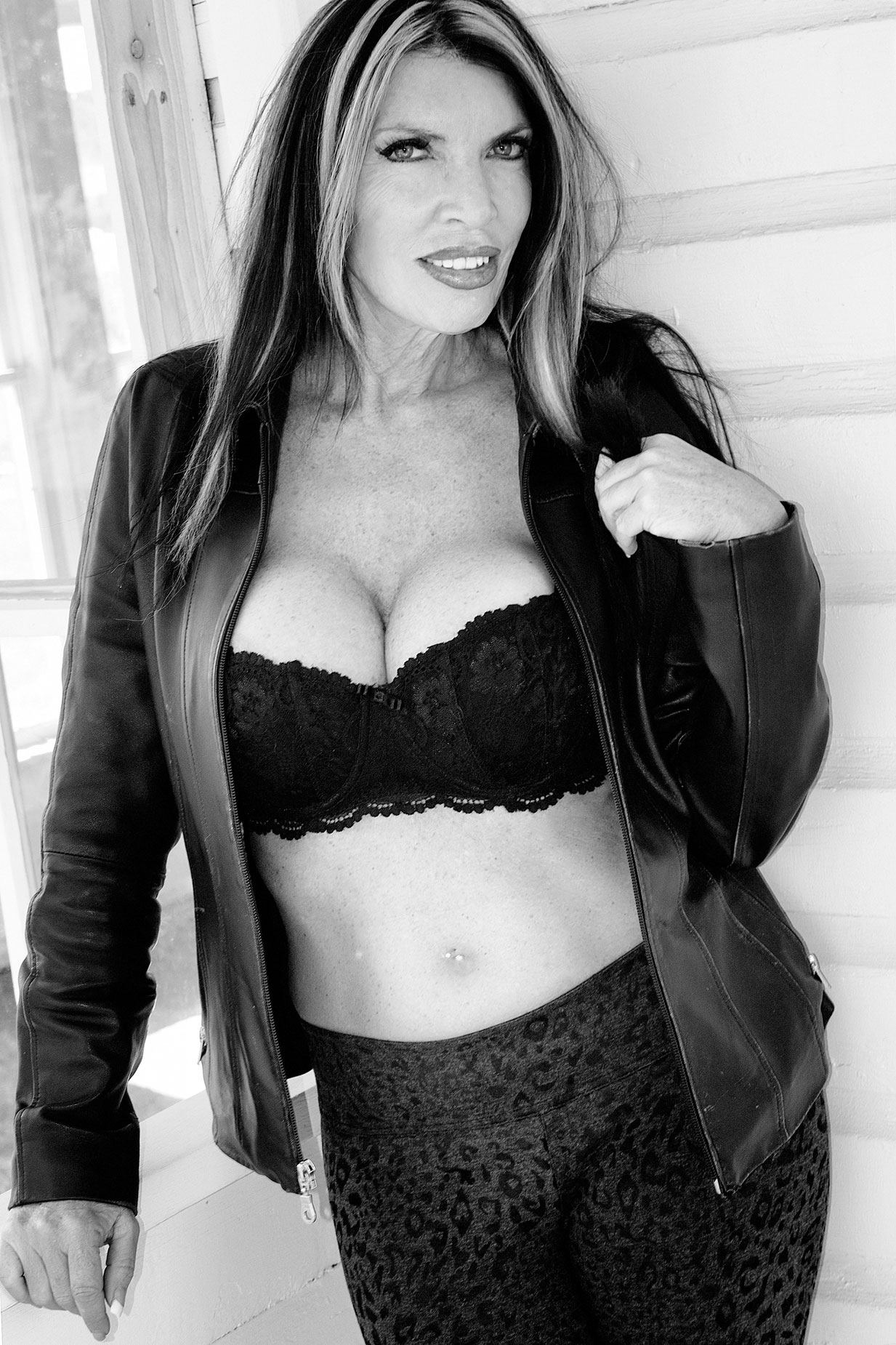
My Sunday Series on Available Light Portraiture continues today with a post about using available light to make a black and white outdoor portrait. The featured photograph is of a legendary model that I was privileged to photograph four times. This image of Maria Cedar is from our fourth shot together.
Today’s Post by Joe Farace
Black and white creates a strange dreamscape that color never can. — Jack Antonoff
 There are many reason why a photographer might choose to make a portrait in black and white. Here are just of few of them:
Whether it’s a portrait or not, using black and white removes any color distractions from an image, It eliminates clashing patterns in clothing, busy backgrounds, or odd color balances, even those created by the photographer, so the viewer focuses on the subject’s face and eyes.
A monochrome portrait, and that includes those using warmer tones, emphasizes emotion and mood, making a portrait feel more intimate. It can highlight texture and form focusing the viewers on fine details like a subject’s hair and bone structure. Monochrome photography can create strong lighting and high contrast, producing a powerful look. Finally, black and white portraiture creates a timeless look, freeing the image from trends, styles or eras, giving the image a classic feel.
Sometimes the nature of the subject matter demands the image be photographed in black and white. It’s hard ti imagine Henri Cartier-Bresson’s images of Paris in anything but black and white.
It’s All There in Black & White
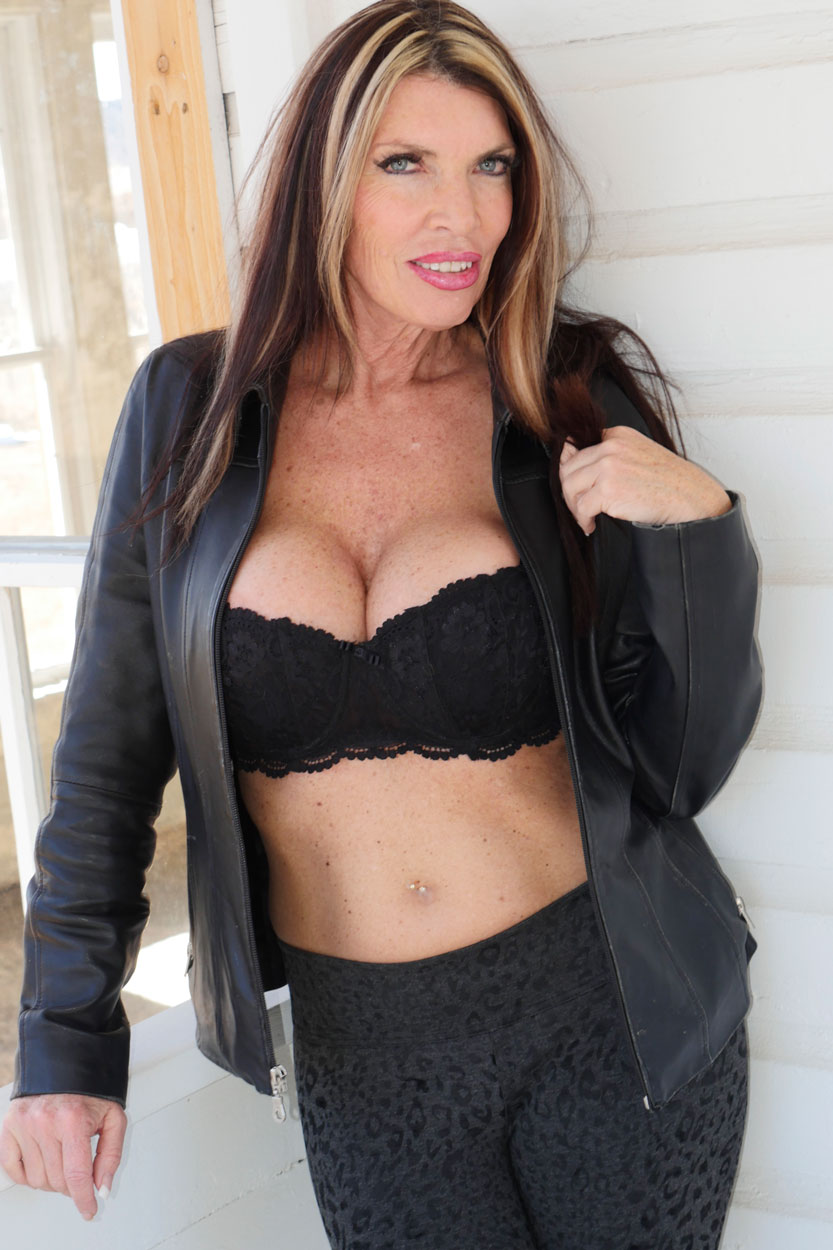
 (Above right) This is what my original unedited JPEG file Straight Out Of the Camera portrait of the famous Internet model Maria Cedar looks like. She was photographed at the Hidden Mesa Open Space standing on the porch of the gradually being restored (and now safe to stand on) porch of an historic farmhouse The portrait was captured using a Panasonic Lumix GH4 and Lumix G Vario 14-45mm f/3.5-5.6 lens at 38mm with an exposure of 1/60 sect at f/5.6 and ISO 200 with a plus one-third stop exposure compensation. The camera’s pop-up flash was used as fill.
 The original portrait was shot in color using RAW+JPEG capture. One of the upsides of converting a color shot to black and white, rather than direct monochrome capture, is that color images are easier to retouch than monochrome files because there are so many more tones to work with.
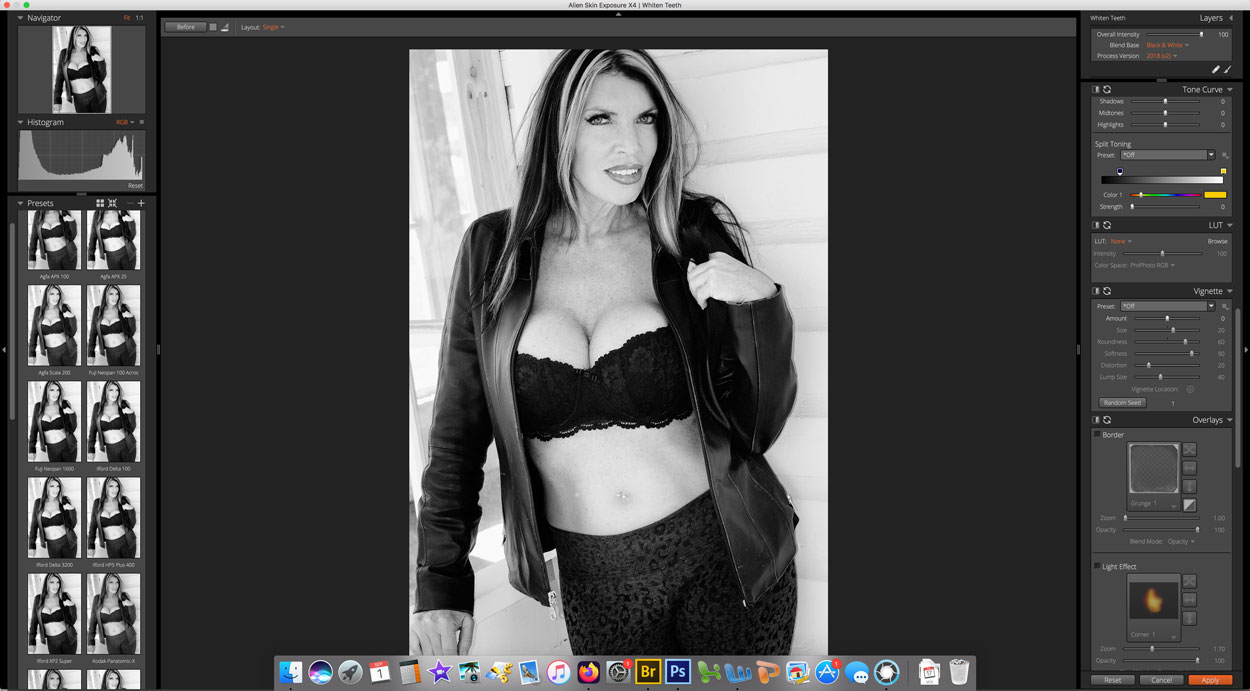
Before conversion I slightly cropped the image, then retouched it using Imagenomics Portraiture plug-in. This was further tweaked with the Pro Contrast filter from Color Efex, The color file was converted to black and white using Exposure Software’s Exposure X4. The plug-in’s currently up to X7 but X4 is a version that works with Photoshop CS6 and the OS I’m running on my (old) 5K iMac. Using Exposure X4 I applied the Panatomic X film emulation and used the software’s extensive selection of sliders to lightly tweak the results. I think the finished, (converted) monochrome image has more of an urban look while placing the focus on the subject.
While the other images of Ms Cedar captured during this session are beautiful and tasteful, I cannot show you more of them from this session in this post. Those kinds of uncensored images can be seen in Password Protected posts that are accessible to members of my Patreon. Details on the surprisingly affordable.membership are available in this post.

My book Creative Digital Monochrome Effects is still available from Amazon and (I think, anyway) is a fun read. There’s even a chapter on infrared photography. It’s available new from Amazon for $28.67 but bargain shoppers can pick up used copies starting at seven bucks as I write this. No Kindle version is available.