
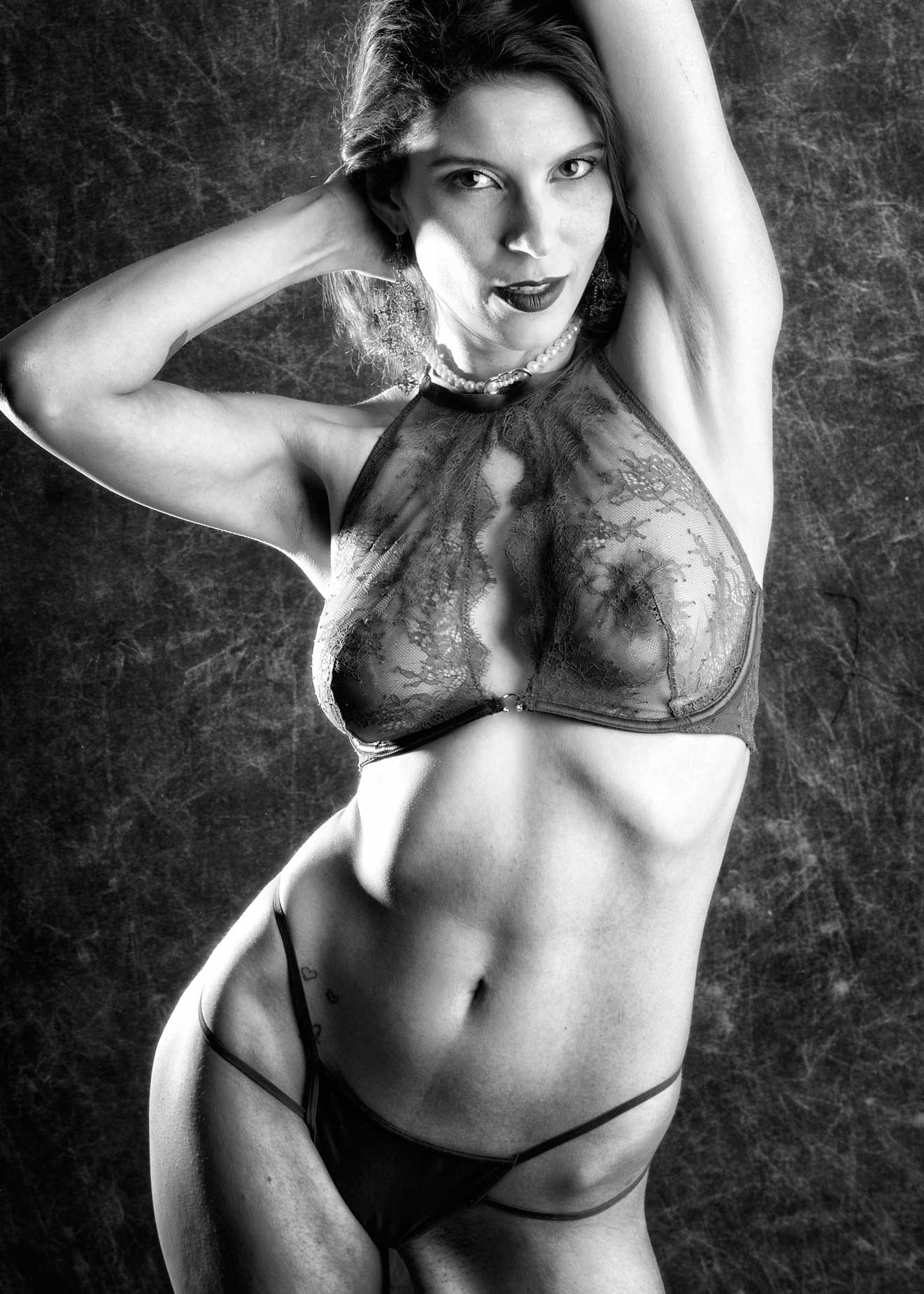
It’s #anythingcanhappenday and today’s post features a portrait of the amazing Erin Valakari (@valatheartist). This image was originally shot during Erin and my first shoot together. This post is also another in my series on images made in color, shot as RAW+JPEG and processed into a black and white image.
Today’s Post by Joe Farace
“I find that with black and white I go straight to the person. In color, I am more worried about the light, the clothes, the setting, etc. It is more complex. In black and white, it’s the person who is important.”–Harry Gruyaert
 Black and white photography aka monochrome photography to purists and others who want to be precise in their nomenclature, is the creation of images in which each position (pixel) of an image can record and show a different amount of light but not a different color.
The majority of monochrome photographs being produced today are black-and-white, using either a gelatin silver process or as digital photographs via direct monochrome capture or post processing. Other hues besides grey can be used to create monochrome photography, sometimes even created in camera. I’ve written several posts about direct monochrome capture featuring black and white images but only a few about other color tones, such as blue or sepia. Maybe I need to revisit this topic. Let me know if you think that’s a good idea.
Black & White and Red All Over
For some of my monochrome conversions, I use Exposure Software’s Exposure software for reasons that you can find in other posts on this subject. The program is available for Mac OS and Windows and can be used as a plug-in for Photoshop and Lightroom or as a standalone app. It’s Collections feature lets you easily group images, create sets of your favorite photos, organize projects that span multiple photo shoots, or group images for export.
 DxO’s Silver Efex, on the other hand, works by converting color images into monochrome by using mapping algorithms and targeted local adjustment. Rather than stripping away color, it analyzes the underlying color frequencies to manipulate the brightness of specific tones using sliders that allow you to control contrast, mood\ and texture. Silver Efex maps the original color values to a grayscale equivalent based on their natural luminance in the CIELAB color space.
How do I choose which monochrome conversion software to use for a specific image? As my friend Rick Sammon likes to say, ” It depends.” For me, it depends on the kind of photograph I’m trying to produce. Some files scream to use the Exposure’s Cinema presets, so I do. Other images let me embrace the relative simplicity of Silver Efex’s interface and use their presets, which seem to fit some, especially infrared captures, images better. When they don’t? I switch to Exposure. Give Silver Efex’s 30-day trial version a try to see how you like it. The same goes with Exposure. You can download a fully functional 30-day trial version to see how you like it as well.
How I made the above image: This portrait of Erin was shot as RAW+JPEG but a few (three) of the 40 images I made of her at that time were also made in JPEG monochrome mode, so I could get a sense of what the image might look like in black and white. The camera used was a Panasonic Lumix GH4 with Lumix G Vario 14-45/F3.5-5.6 lens at 45mm. Lighting was provided two Paul C Buff DigiBee 800’s and one Alien Bees 800 monolights. Paul C Buff is not a sponsor of me or this blog. I don’t get a penny from you clicking those links; they are provided just for your convenience.The background was a double-sided Monsoon collapsible backgrounds from Savage Universal. The exposure was 1/125 sec at f/8 and ISO 400.
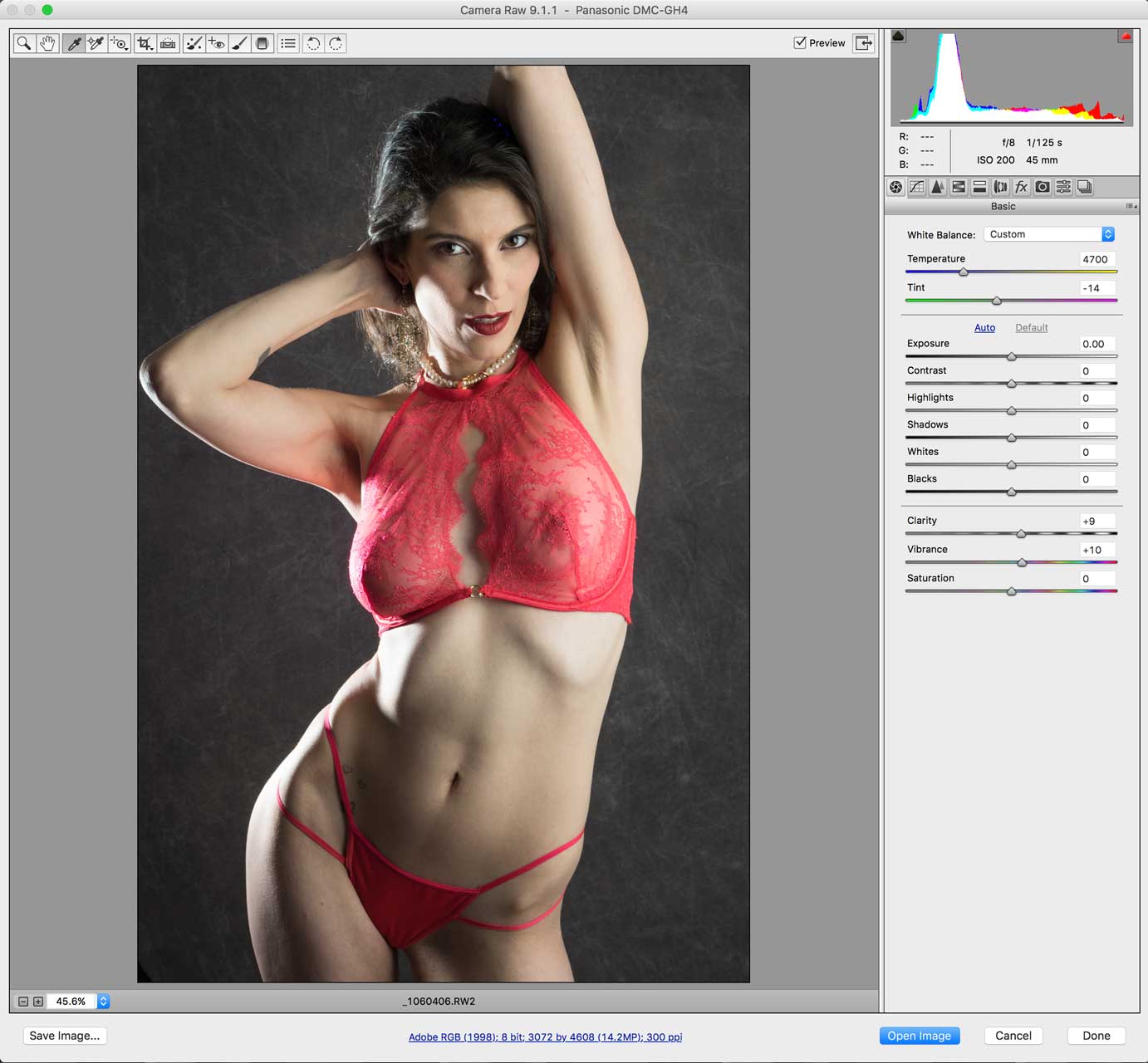
The color RAW file was opened and lightly tweaked in Adobe Camera RAW. (Above right.) After retouching, it was opened in Silver Efex and the High Structure (Harsh) preset was applied with the Grain per Pixel set at 600 and the Grain sliders pushed all the way to the left to produce the least amount of grain. Next I applied the Tonal Contrast and Glamour Glow filters from Color Efex to produce the final result you see here.
 If you enjoyed today’s blog post and would like to buy Joe a cup of Earl Grey tea ($3.50), click here. And if you do, thanks so much.
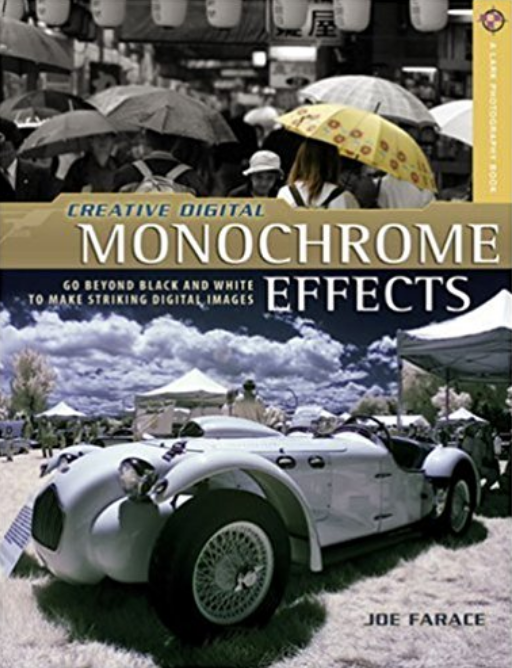
Copies of my book Creative Digital Monochrome Effects, which has many tips, tricks and techniques for monochrome conversions and effects, is available from Amazon with used copies starting around seven bucks or less than your next coffee at a Starbucks drive-through.