
Today’s Post by Joe Farace
The automobile engine will come, and then I will consider my life’s work complete. –Rudolf Diesel
One of the advantages digital capture has over using film is that when working under unusual lighting conditions you are able shoot color correct images without the use of on-camera filters. You can, for example, set the camera in Auto White Balance mode and most times the results will be better than saying, “I’ll fix it later in Photoshop.”
Capturing it In-Camera
The menus of most mirrorless cameras and DSLRs offer different white balance options including Auto, Daylight, Cloudy; Incandescent; Fluorescent; Flash and Custom. The next time you find yourself working indoors under mixed lighting conditions, here’s a few suggestions forhow you might handle color balance.
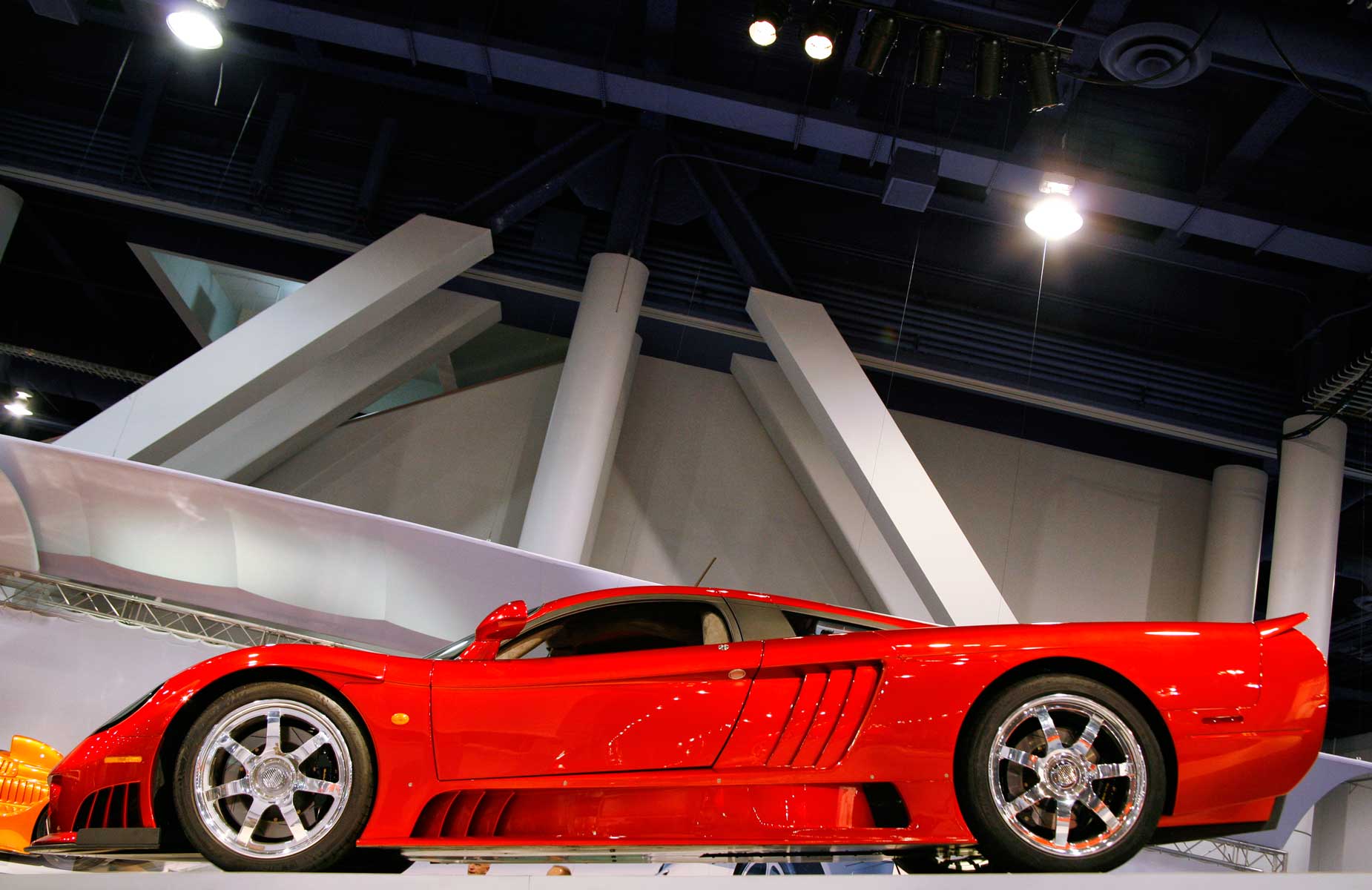
How I made this photo: I’ve found that auto white balance works most of the time even in venues with different kinds of light sources like the Las Vegas Convention Center where I photographed this Saleen S7. The camera used was a Canon EOS 5D Mark I with EF 28-135mm f/3.5-5.6 IS USM lens (at 35mm) with an exposure of 1/60 sec at f/5.6 and ISO 800.
When faced with a challenging lighting environment, such as indoors at a convention center, I’ll typically make a few test shots using AWB first to see if the image’s color is even close. If it is, I’m golden; if that doesn’t work I try a few more shots using one of the other white balance options the camera offers. If that doesn’t seem to work,and –most importantly–the lighting in the area you’re working in is consistent, you can create a custom white balance (see below.) Tip: Be careful of exposure too. Under most mixed-light conditions, I also find it’s also necessary to increase exposure compensation to produce a bright-enough image.
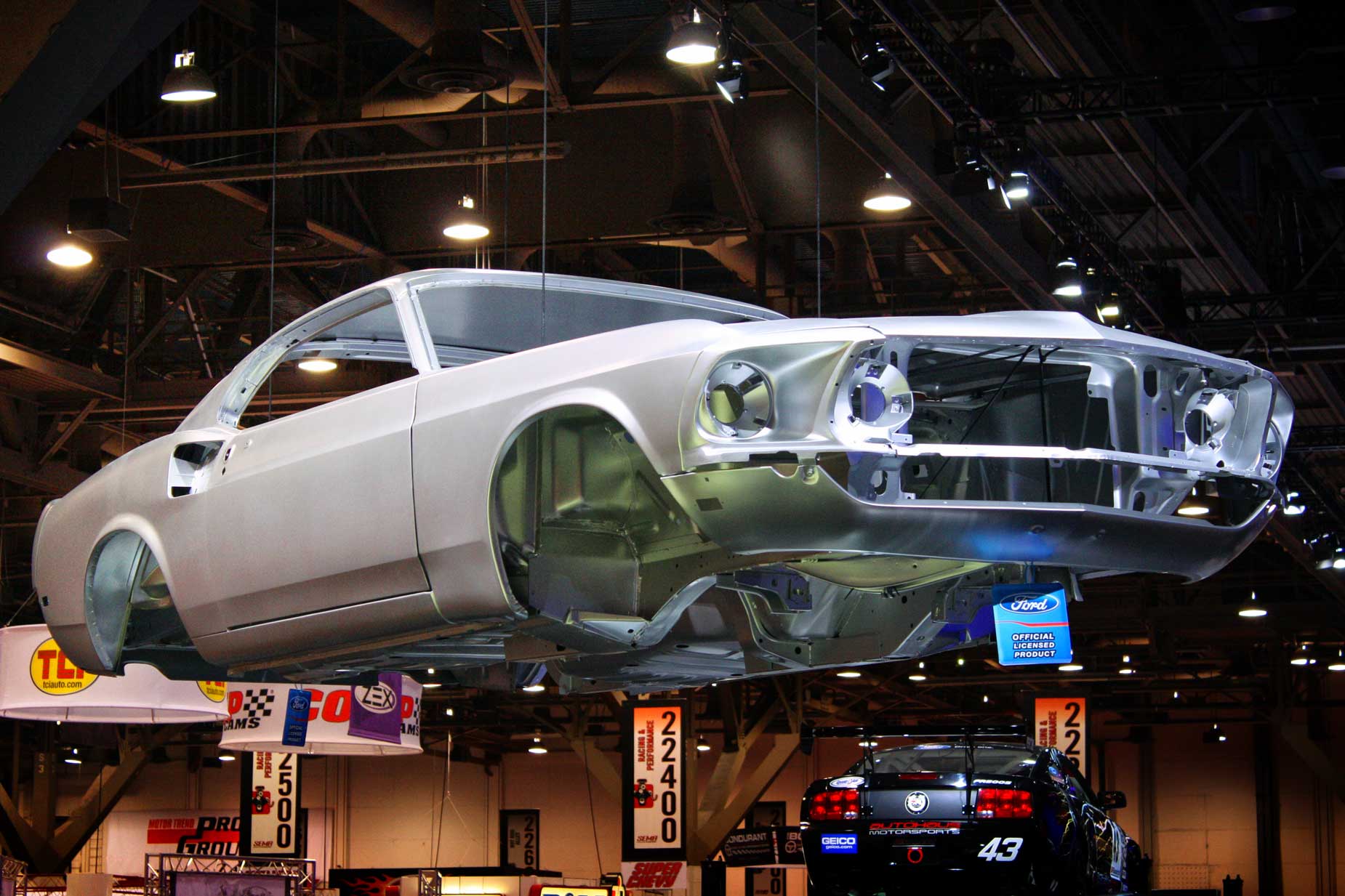
How I made this photo: This image of a floating Mustang body, was made at a SEMA show, in the Las Vegas Convention center. The camera used was a Canon EOS Rebel XS with EF-S18-55mm f/3.5-5.6 IS lens (at 55mm) with an exposure of 1/80 sec at f/6.3 and ISO 800. Color balance setting was AWB.
Then there’s Custom White Balance mode, which some users may think is difficult to use, but is not really. Under tricky lighting conditions all you need to do is use make an exposure of something that’s white and I find that white cars are great for this. The camera will store that image and use it to color correct your subsequent images. The flip side of the Kodak Gray Card, if you have one, is white and makes an ideal companion for the photographer interested in making color correct images, saving lots of time that would be spend later tweaking image files. This process of creating a custom white balance is surprisingly easy to do but check your camera’s User’s Guide because each camera might accomplish this in a different way.
Your camera’s Tungsten setting can be useful too. When shooting under typical incandescent lamps you may want to shoot a few test shots to see if you have to increase exposure but the color balance should be right on. When an area is mostly lit with fluorescent tubes, I’ve found the Fluorescent setting, if your camera has one, is a good place to start but I seldom use this setting since few places are totally lit by fluorescent lights.

Along with photographer Barry Staver, I’m co-author of Better Available Light Digital Photography that’s available from Amazon for $24.50 prices with used copies starting at sixteen bucks. The Kindle version, for some reason, is expensive.