
My wife suggested the“Tricky Tuesday” theme as a way for me to share some of the different tricks, tips and techniques I’ve used over the years when shooting glamour images in my home studio.
Today’s Post by Joe Farace
Although beauty may be in the eye of the beholder, the feeling of being beautiful exists solely in the mind of the beheld. —Martha Beck
Mr. I. Magination
Mr. I. Magination was the name one of the earliest American television shows that were produced for children and I watched this show on Sunday afternoons at my Aunt Theresa’s house—we didn’t have a TV at the time. The live show ran as a half-hour weekly show on CBS from 1949 to 1952 and was broadcast from Grand Central Terminal in Manhattan. All of which brings me to using my own imagination when creating glamour images
Retouching has been around since Mathew Brady added color to create rosy checks on the subjects he photographed with the Daguerreotype process—maybe even before that. For almost every portrait that I make, I use some for of retouching with Photoshop. At the same time, I happen to think that properly applied make-up can make more of a difference with glamour photographs than most digital retouching, especially bad retouching.
I admit that, sometimes, I will cut and paste elements of a portrait that was made during the same session in order to produce an image that I had in my head but wasn’t able to capture in a single frame. Is that cheating? I don’t consider this technique to be cheating, although I am fully aware that others may not agree, With that in mind…
How I do it
The way I produce these kinds of images: First of all, it’s a portrait of one person as seen here in this composite portrait of Bella that combines elements of two or more other portraits of her made during the same session, as part of a sequence. I am not cutting and pasting parts of other people together to create some kind of fantasy image but instead I try to produce an image that I could have captured in camera if all the planets were aligned or I got lucky.
If creating a composite image is something you may want to try, here are a few tips that will help.
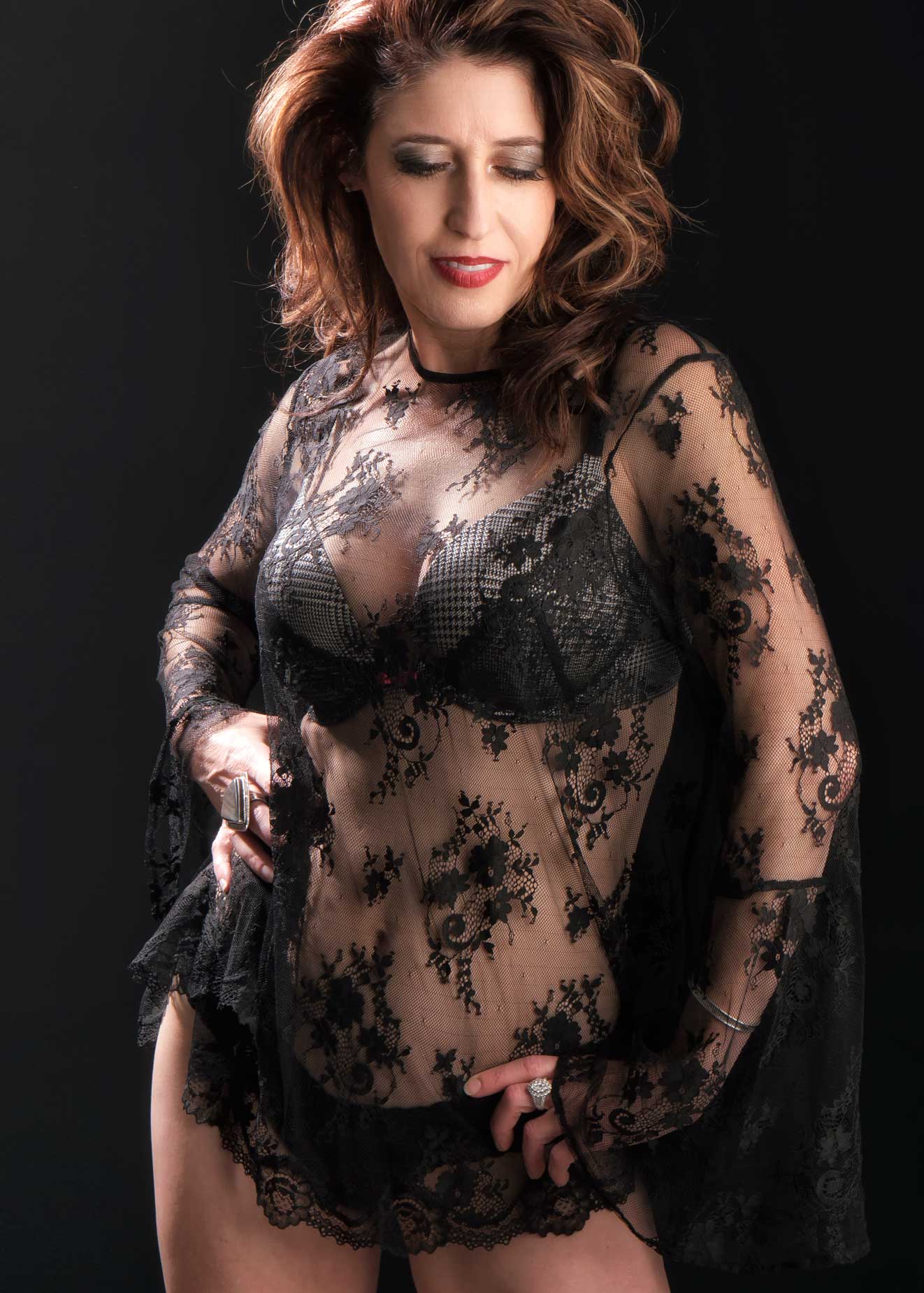 How I Made this photo: I photographed Bella in my 11×15-foot home studio using a Panasonic Lumix GH4 with G Vario 14-45mm f/3.5-5.6 Asph Mega OIS lens at 45mm. Exposure was 1/125 sec at f/8 and ISO 200, which was, for a long time, the base exposure for lighting portraits in my studio or at least one that I tried to achieve..
The lighting for this portrait was provided by Paul C Buff DigiBee 800 monolight with Plume Wafer softbox attached that was placed at camera right and an Alien Bees 800 monolight with 18-inch Omni reflector, with diffuser sock placed at camera left and slightly behind Bella. Background was Savage’s Black Infinity vinyl backdrop.
- Your composite will be easier to make if the background and lighting is the same for all of the elements you use. It’s one reason that after I shoot an image I really like, I’ll sometimes make a “safety” shot and the subtle differences between the two are often the stuff of how some composites are made.
- In the “cut” part of this cut and paste operation, select a much larger part of the image than you think you’ll need. You can always erase any extra areas later but, like a bad haircut, it’s hard to add parts back in without having to go back later and make another “cut.”
- Enlarge the pasted areas as much as your screen allows and use a soft edged Eraser tool to blend the edges of the pasted images together. Women’s hair, especially long thick hair, is especially easy to blend. You can even use the handles on the pasted layer to slightly rotate the pasted layer to make it fit better. I do this same technique sometimes even when working with a single image to give the subject a head tilt that I should have suggested before clicking the shutter.
- Finally, before you flatten the image and save it as another file, wait a day to see if there are any surprises lurking when looking at it tomorrow.
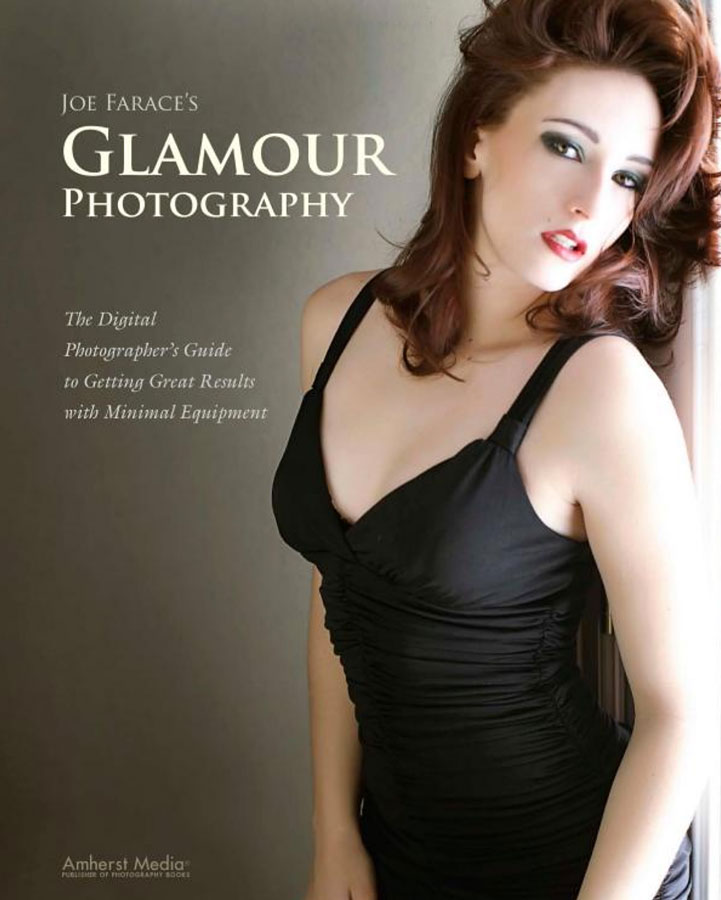
Joe Farace’s Glamour Photography contains tips, tools and techniques for glamour and boudoir photography and includes information on the cameras and lenses I used as well as complete exposure data for every image. New copies are available from Amazon for $30.54 with used copies starting around ten bucks, as I write this. The Kindle version is $19.99 for those readers preferring a digital format.