
It’s “Tricky Tuesday” which is a way for me to share some of the tricks, tips and techniques I’ve used over the years when shooting portraits in the studio, Today’s post features the incredible Scarlet Ana featured in Black and White!
Today’s Post by Joe Farace
The whole series is black-and-white, so when I went to shoot one of the women I only had black-and-white film with me. She had reddish hair and was a very pretty girl, a nice girl.”— Helmut Newton (1920-2004)
 The late Mr. Newton could have been talking about Scarlet Ana who was one of the most spectacular models I ever got to photograph. She also happens to have red hair. You can follow her on Instagram at @scarletkitty1.
What To Shoot Next?
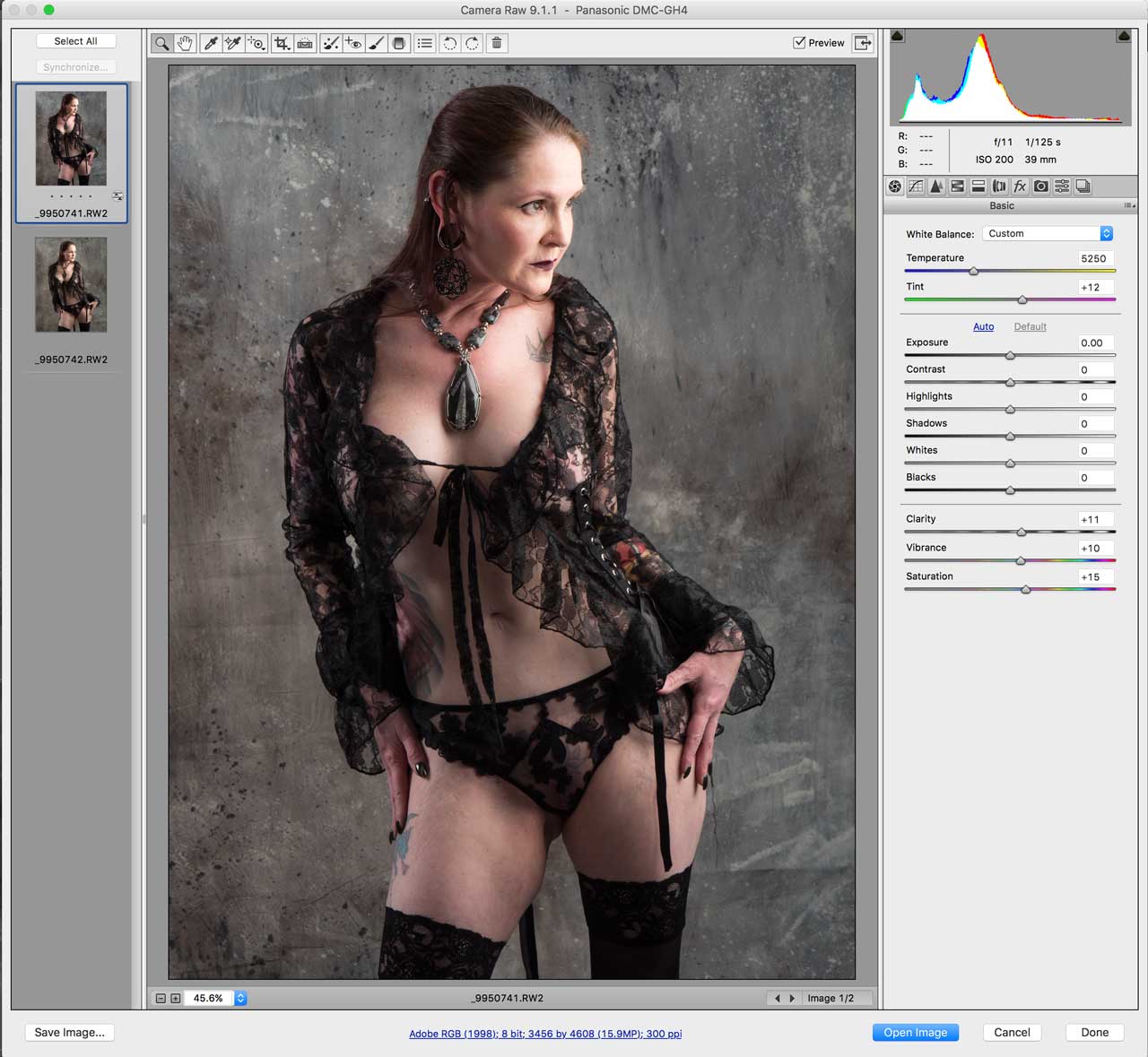
When I find myself wondering, “what do I shoot next?” or start thinking “there’s nothing to photograph,” I like to shoot some images in direct monochrome mode or better yet shoot in my preferred RAW+JPEG mode capturing a monochrome JPEG and color RAW (at right) at the same time.
One of the biggest advantages of having a color RAW file is that many retouching tools, including Imagenomic’s’ Portraiture, work better with color files than black and white ones because there are many more tones for the software to work with. Then I covert the color RAW file to monochrome using Silver Efex of Exposure Software’s Exposure. Look for a discussion of RAW+JPEG in the latest Pixels, Grain & Cookies podcast.
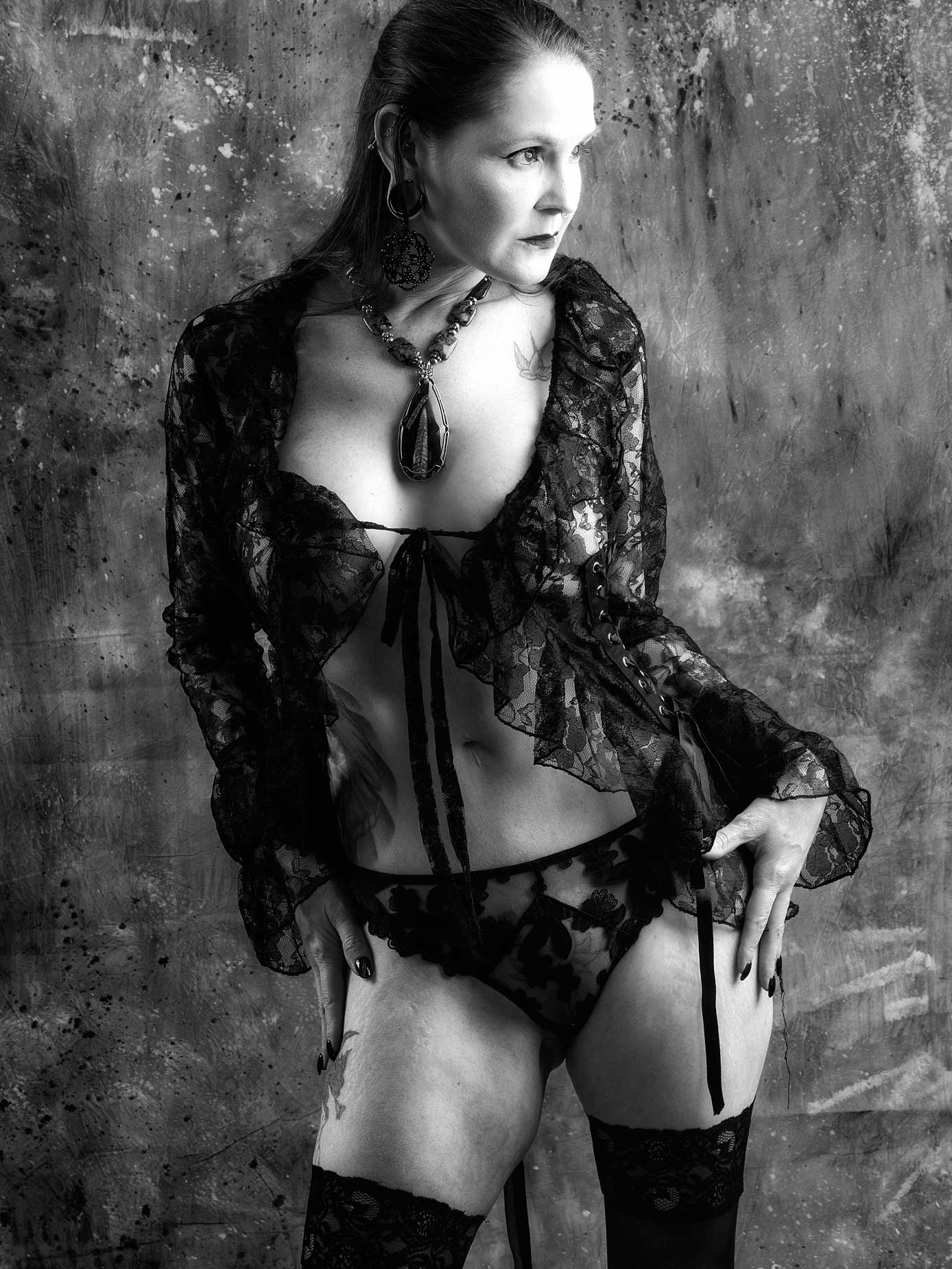 How I made this portrait: Some models project a sexy vibe and this shows in the wardrobe they choose to wear and the poses they come up with and other models have their own unique style. Nowhere is this more evident in the two sessions that I had with Scarlet Ana and although she has moved out of state, I hope that I will have the good fortune to photograph her again.
Today’s image is from the second portrait session I had with Scarlet Ana. The lighting consisted of two Paul C Buff DigiBee 800’s monolights and one Alien Bees 800 monolight. One DigiBee 800 with a 37x27x12-inch Plume Ltd. Wafer soft box attached was placed at camera right and was fairly close to Scarlet. An Alien Bees 800 with an 16 x 30-inch Westcott Apollo Strip (40 x 76cm) soft box mounted was located at camera left. Another DigiBee 800 with a Paul C Buff 18-OMNI Reflector attached, softened by a triple-layer Diffusion Sock, was located at camera left and placed near the back corner of my home studio. Paul C Buff is not a sponsor of me or this site and the links shown are not “associate” so I don’t get a penny for including them. They are provided for your information.
The camera used was a Panasonic Lumix GH4 with a Lumix G Vario 14-45mm f/3.5-5.6 lens (at 38mm) with an exposure of 1/125 sec at f/11 and ISO 200. The background was a hand painted Carbonite muslin from Silverlake Photo Accessories. The RAW file was slightly cropped and lightly retouched before being converted to monochrome using Exposure Software’s Exposure’s BW Tonality presets. Next I applied the Tonal Contrast and Glamour Glow filters, in that order, from Color Efex before finishing with some selective burning and dodging using layers from PhotoKit 2..
Some of the images that I made of Scarlet Ana during this session could not be shown on this blog for reasons,.. But our Patreon did got to see some of these uncensored images in Password Protected posts. You can read about this and other membership benefits in this post
 If you enjoyed today’s blog post and would like to buy Joe a cup of Earl Grey tea ($2.50), click here. And if you do, thanks so much.
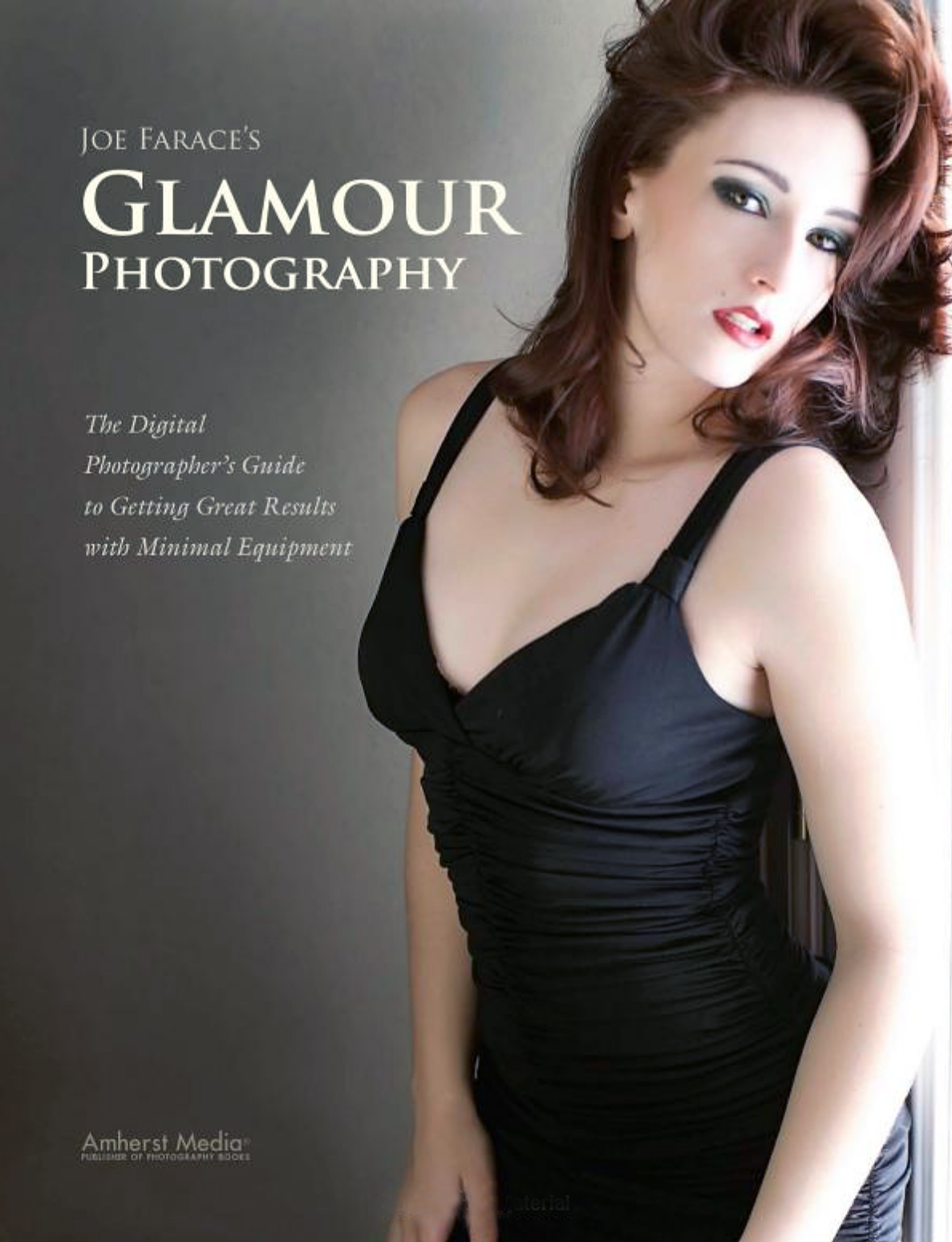
My book Joe Farace’s Glamour Photography is full of tips, tools and techniques for glamour and boudoir photography and includes information on all of the cameras used as well as the complete exposure data for each image. Used copies are available from Amazon for $33.07. as I write this. The Kindle version is $19.99 for those preferring a digital forma