
Today’s Post by Joe Farace
“Color tends to corrupt photography and absolute color corrupts it absolutely… consider the fact that in a black and white photograph a statement is a statement – anything properly and carefully arranged is as good as a disciplined installation in a gallery.” – Walker Evans
When I find myself wondering, “what do I shoot next?” or start to think that “there’s nothing to photograph,” I like to make some digital images in direct monochrome mode. (Or maybe for my film photography. I’ll load up a roll of Kodak Tri-X.) It doesn’t have to be all of the images made during a particular photo session; maybe just a few to, you know, see what happens. But what if you change your mind and really really want that original at some later date to be in color?
 Most digital SLRs and mirrorless cameras have a RAW+JPEG option that lets you capture a monochrome (JPEG) and color (RAW) file at the same time. Some dual-memory card slot cameras, will let you simultaneously save each file type onto a different card. For portraits, this approach means that you get to use the JPEG file as a digital proof you can show the subject but have a color RAW file that you can retouch and process into black and white.
One of the biggest advantaged of having that color RAW files is that many retouching tools, including Imagenomic’s’ Portraiture, perform much better with color files than black and white one because there are more tones to work with. So whether I’m shooting portraits or what you see featured today, I tend to shoot in RAW + JPEG mode and convert the color file to monochrome later using Adobe Photoshop and Silver Efex Pro.
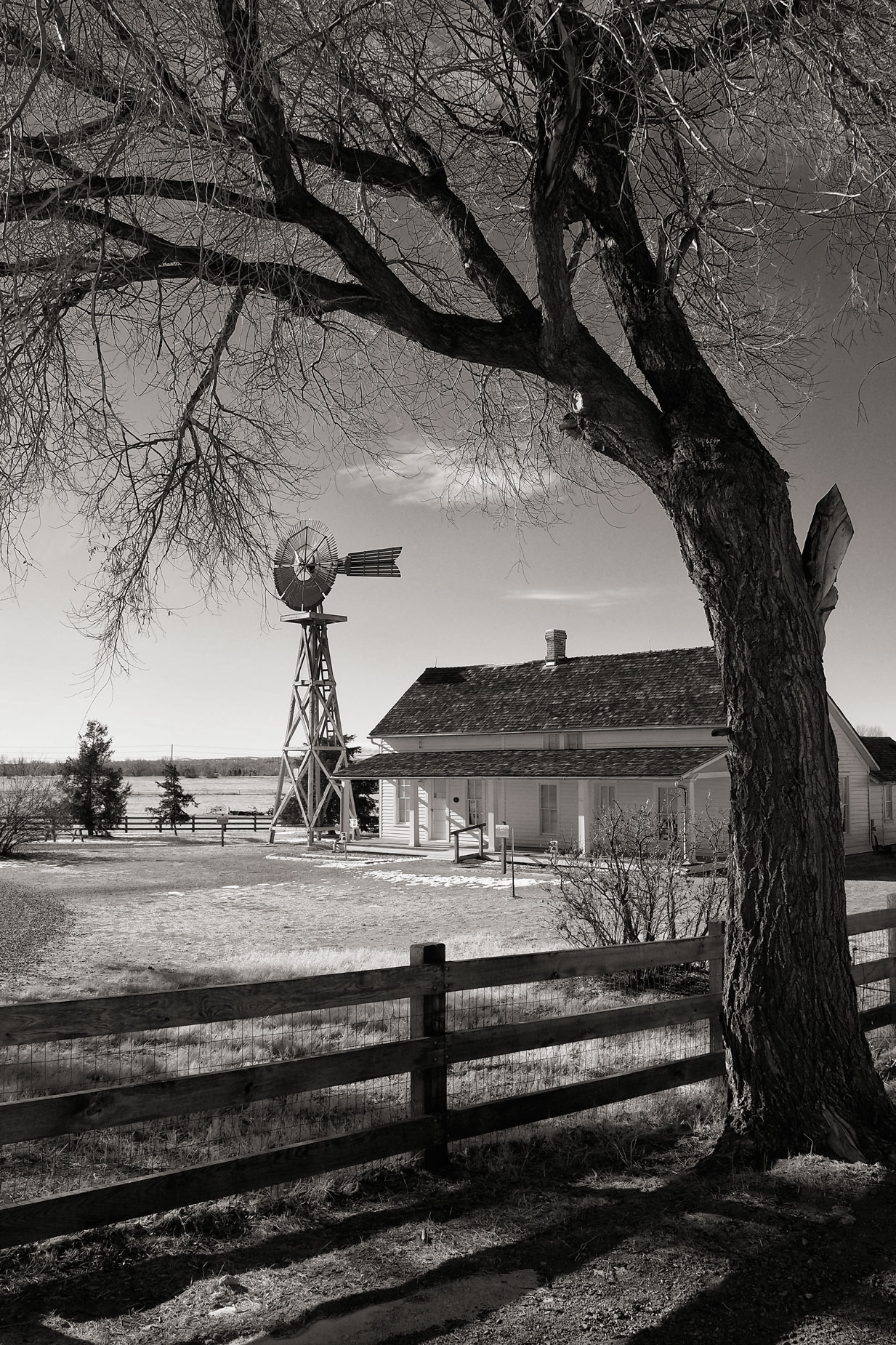
How I made this shot: I made the image at right at 17-Mile House near Parker, Colorado. This is part of a 70-acre open space that includes an 1860’s “mile house,” barn, windmills and silo and is located along the historic Smoky Hill/Cherokee Trail route to Denver. The farmhouse was originally a log cabin and some portions of it can still be seen. The camera used to make this photograph was an Olympus EM-1 Mark II with Olympus M.14-42mm f/3.5-5.6 II R lens (at 14mm.) The exposure was 1/500 sec at f/10 and ISO 400.
The original JPEG file, made before my current RAW+JPEG regimen, was converted into monochrome with Silver Efex using their default preset and tweaked sightly by applying the Red filter. Then the image had the Platinum toning effect from PhotoKit applied to finish it off.
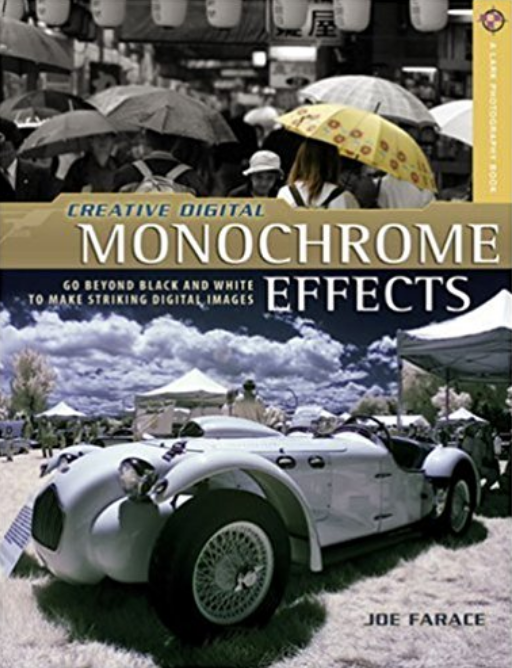
Copies of my book Creative Digital Monochrome Effects is available from Amazon with new copies selling for $8.88 and used copies starting at less that two bucks, way less than a grande Pumpkin Spice Frappuccino at your local Starbucks drive-through. No Kindle version of the book was ever available, sorry