
It’s National Pineapple Upside-Down Cake Day celebrating a sweet cake that contains pineapples and cherries. Americans have been enjoying this springtime cake since the early 1900s. This is one of the delicious cakes my Mom used to make! Instead of cakes, today I’m talking about one of my favorite subjects—black and white photography. For a more controversial take on this subject, check out this Pixels, Grain & Cookies podcast.
Today’s Post by Joe Farace
“The restlessness and the longing, like the longing that is in the whistle of a faraway train. Except that the longing isn’t really in the whistle—it is in you.” — The Little Cow and the Turtle
Helmut Newton once said that, “The whole series is black-and-white, so when I went to shoot one of the women I only had black-and-white film with me. She had reddish hair and was a very pretty girl, a nice girl.” I think that the late Mr. Newton had a point!
When I find myself wondering, “what do I shoot next?” or start to think “there’s nothing to photograph,” I like to shoot some images in direct monochrome mode. It doesn’t have to be all of the images that I make during a particular photo session; maybe just a few to, you know, see what happens. But what happens if I change my mind later and really really want that original to be in color?
It’s About RAW+JPEG Capture
 Almost all, maybe all, DSLRs and mirrorless cameras have a RAW+JPEG option that lets you capture a monochrome (JPEG) and color (RAW) file at the same time. Some cameras that have dual-memory card slots will let you simultaneously save each file type to a different card. This approach means you get to use the JPEG file as a digital proof that’s a preview of what the image would look like in black and white but you also have a color RAW file that you can later process into black and white or, if you change your mind, use as a color image.
One of the biggest advantaged of having that color RAW file when shooting portraits, for example, is that many retouching tools, including Imagenomic’s’ Portraiture, work better with color files than black and white ones because there are so many more tones in the color RAW file than a monochrome file. (This is not true with monochrome-only cameras like the Leica M11 Monochrome, Pentax K-3 Mark II Monochrome, or Ricoh GR IV Monochrome, which is one of their big advantages.) More often than not, when making portraits in the studio, I always shoot in RAW + JPEG formats and later convert the color file to monochrome using Adobe Photoshop and Silver Efex.
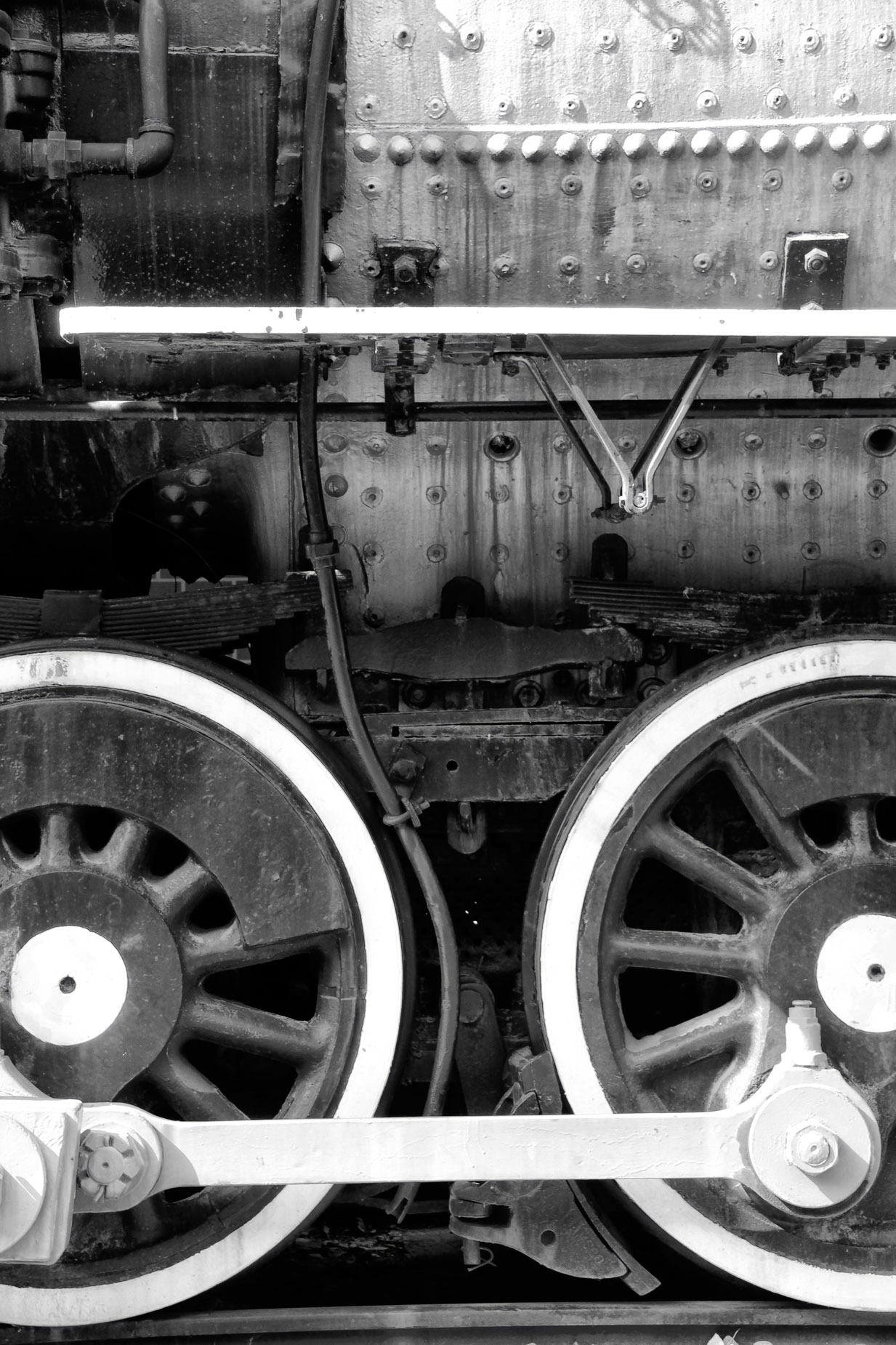
How I Made This Photograph: This image was made for my unpublished review of the Canon EOS Rebel T4i that I originally wrote for a print edition of Shutterbug magazine. It was unpublished because the editor sat on the review for so long–although the story was filed when the camera was still brand new–that Canon replaced that model with the new EOS Rebel T5! Don’t even talk about what I got paid or didn’t get paid for the original review.
I’ve always been a fan of Canon’s Picture Styles and used the T4i’s Monochrome mode to capture this image of a locomotive’s drivers (they’re not wheels) at the Colorado Railroad Museum. The image was made using a Tamron AF 18-270mm f/3.5-6.3 Di II VC LD Aspherical IF lens (at 200mm.) The Aperture Preferred exposure was 1/50sec at f/8 and ISO 200.
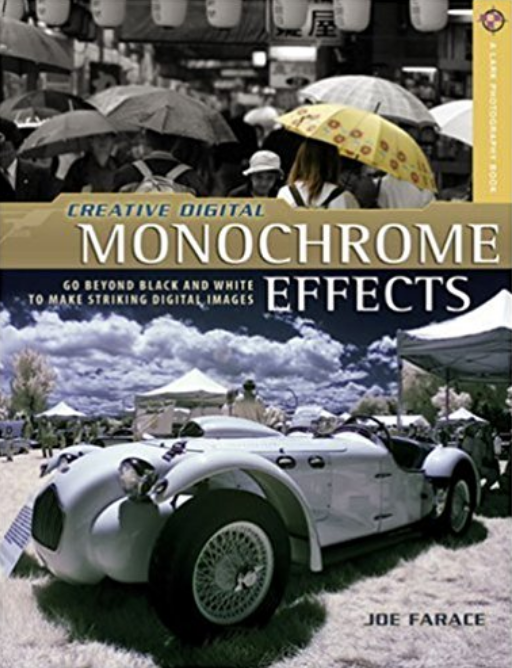
Copies of my book Creative Digital Monochrome Effects is available from Amazon with new copies selling for $16.15 and used copies starting around eight bucks, less than a Venti Matcha Crème Frappuccino at your local Starbucks drive-through. No Kindle version of the book was ever available, sorry