
It’s “Tricky Tuesday,” a way for me to share some of the tricks, tips and techniques I’ve used over the years when shooting portraits in the studio, Today’s post features Laura May Bachmayer, a young figure model who I had worked with a few years ago and who had an Old Hollywood look, think Pre-Code.
Today’s Post by Joe Farace
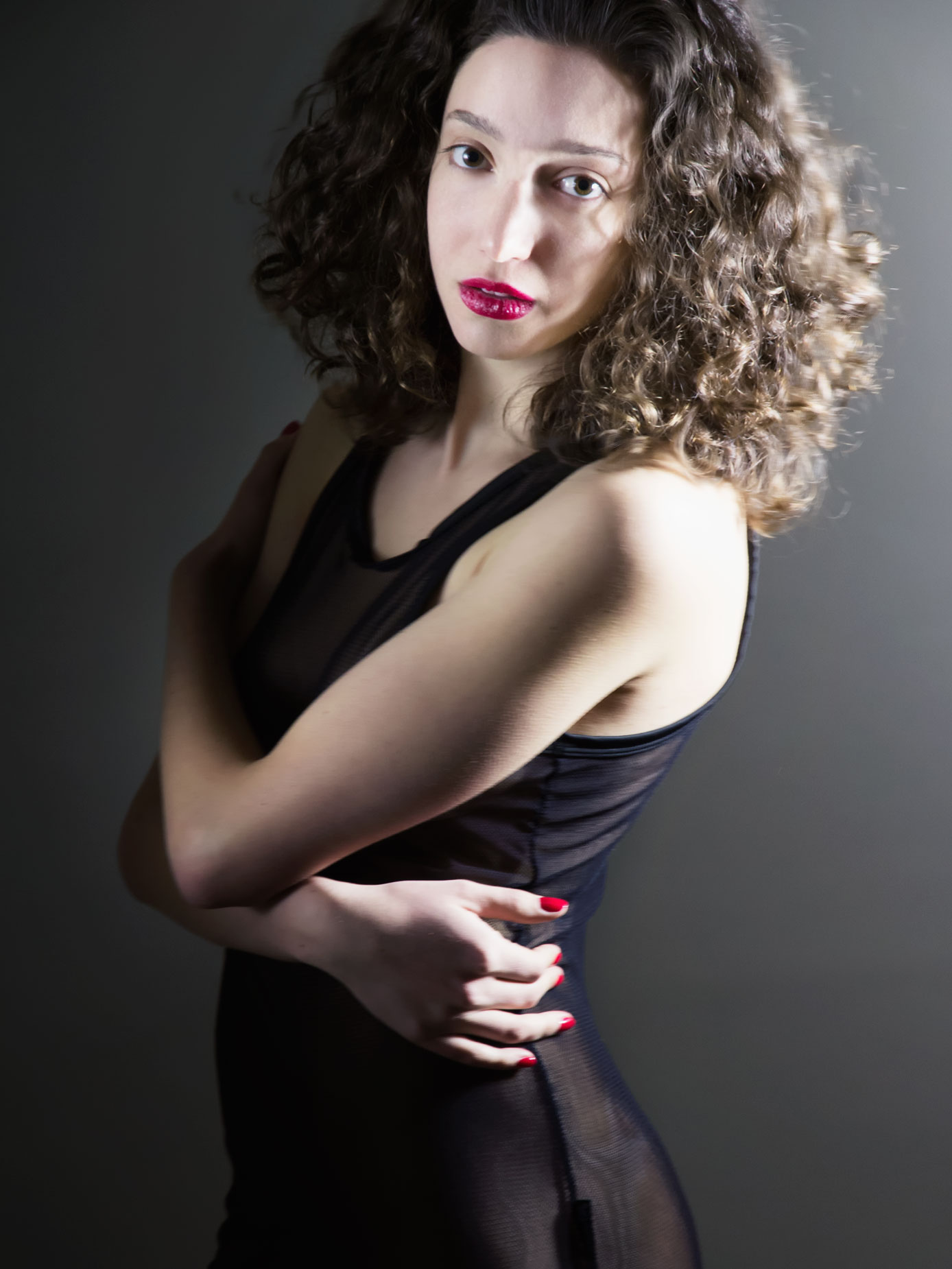 Lately I’ve tended to create more of my glamour images in color rather than in black and white because I think it produces a more natural look. But there are still times when I want to make an image in monochrome, especially for Low Key images as in today’s portrait of Laura May Bachmayer,
That’s why my preferred method of digital capture, especially for portraits and glamour, is by using RAW+JPEG mode. This method creates a color RAW file that can later be later converted to monochrome and because there are so many more tones available to work with, retouching is easier with a color file, like the image at left. The black & white JPEG that’s produced can be used as a preview of what you can expect later and is useful in showing the model an approximation of what the finished portrait will look like, as with the image below right. Tip: There are also many ways to use software to produce great looking black and white images from color files and I even wrote a book on this subject called Digital Monochrome Special Effects
More Low Key?
For film shooters, there were several ways to capture monochrome images, the simplest being choosing the kind of black and white film you put in the camera and there are many, many different emulsions to choose from. The options are not just from Kodak but also from Ilford and several boutique film companies, including Lomography and your interpretation will vary based on the kind of film that’s loaded into your camera. That’s why cameras like Hasselblads with their interchangeable backs were so popular and why back in the original film era Mary and I used this as a selling point when pitching clients who needed monochrome and color images from the same assignment.
Nowadays, most DSLRs and mirrorless cameras offer several kinds of built-in monochrome modes and some even offer a palette of toning options that can be applied to the captured file. And you can always make adjustments after the fact with Photoshop or your favorite digital imaging software. Here are three reasons why having a monochrome option may be a good idea for some but not necessarily all of your glamour photographs:
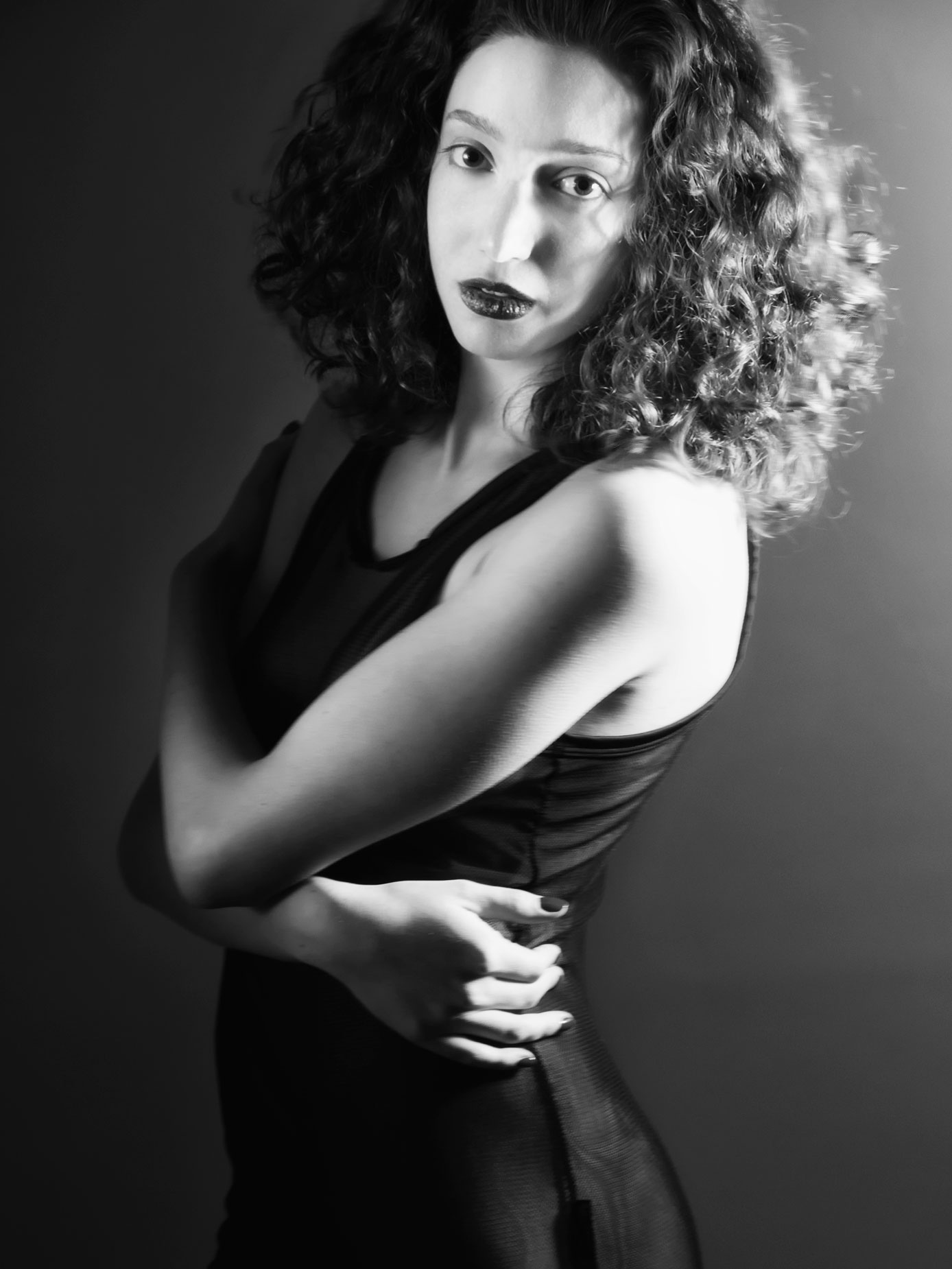 Aesthetics: Sometimes color can confuse a viewer distracting their focus from the main subject of the portrait.
- Feedback: Perhaps the best reason to shoot in direct monochrome or RAW+JPEG is the feedback that you and the subject get by looking at a black & white image on the LCD screen as you work. It shows your subject what you’re trying to accomplish and you don’t have to explain how you’ll convert the shot into monochrome later! Many times I’ll shoot a color image and think it may look better in monochrome, so I make another image in direct monochrome mode. Then I’ll show both files to the model and we discuss which one she and I like the best.
- Workflow: If you want to make prints on-site or at a local store, capturing the file directly in black and white saves time.
How I made this portrait: I photographed aspiring model Laura May Bachmayer in my 11×15-foot home studio. The backdrop was a 53-inch roll of Savage Fashion Gray seamless paper that was supported on JTL background stands. Lighting was simple: A single LED light panel was located at camera right with another with a 32-inch circular reflector placed at camera left. The camera was a Canon EOS 60D with EF-S15-85mm f/3.5-5.6 IS USM lens (at 78mm) with an exposure of 1/25 sec at f/5.6 and ISO 800.
I liked the color version of the portrait but Laura had/has such a delightfully retro look that I used Silver Efex to create the monochrome version. Then I used Color Efex’s Low Key filter that was topped with Glamour Glow to give it an Old Hollywood look that, I think, compliments Laura May’s style.
That’s not to say this is the best or only way to create monochrome glamour images, far from it. It’s just another set of tools that I use for creating monochrome portraits (and infrared landscapes too) but everyone’s workflow is different so do what works for you, ultimately it’s your call.
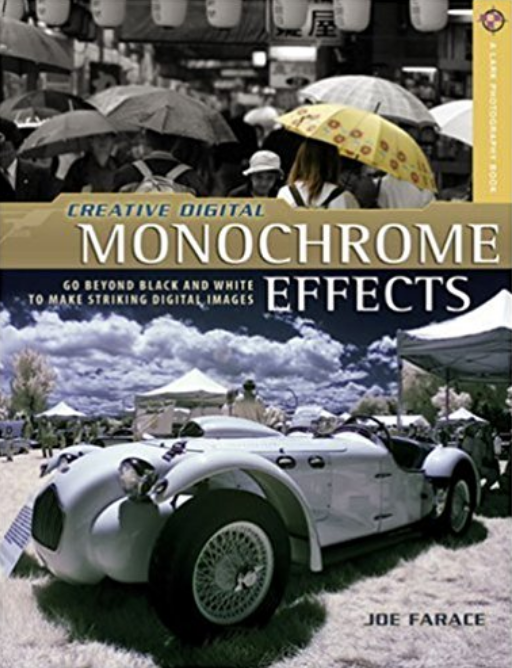
Copies of my book Creative Digital Monochrome Effects are available from Amazon with used copies starting around seven bucks as I write this, which is way less than your next coffee at a Starbucks drive-through. No Kindle version is currently available, sorry.