
It’s International OK Day, a global event that’s about recognizing the worth of this noun/verb/adjective/adverb/interjection that is so popular it transcends the language barrier. It’s not uncommon to hear a French, Korean, or other non-English speaking person casually slip in an ‘okay’ while speaking in their native tongue.
Today’s Post by Joe Farace
There is a lot of music in the world that I love that does not always get the appropriate exposure.—Moby
 On a personal note, this is not a “my way or the highway” blog.” In writing these posts, I’m not asking you to change anything you’re already doing photographically. Instead I’m providing some information based on many year’s experience as a professional amateur photographer that, hopefully, that you can use or not. In a previous post, I talked about my approach to obtaining proper photographic exposure but I recognize that exposing for invisible light can be more challenging. So today I want to share some thoughts on how I approach exposing for infrared photographs.
First Some thoughts about Digital IR Photography
black-and-white infrared photographs, because of their nearly white reproduction of vegetation’s green chlorophyll, render landscapes as if they were glowing, moonlit or immersed in an extraterrestrial light. Infrared color photographs, straight out of the camera, can have a fairy-tale look because it renders infrared-reflecting plants in orange to purple-red tones, while the use of filters can suppress the blue and green components that are present. As in black and white IR photography, these results are difficult to predict, making them ideal for experimentation and surprises!
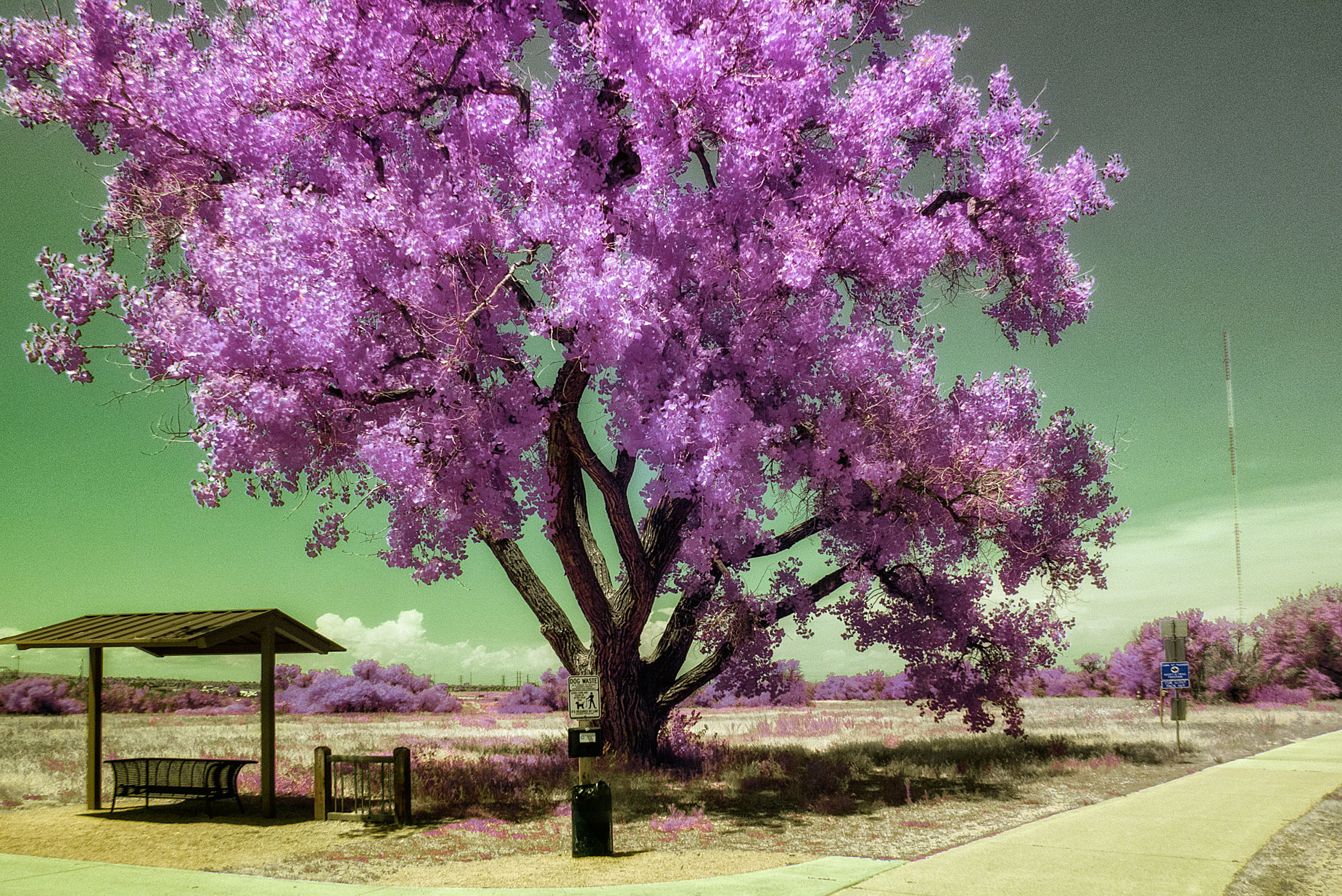
How I Made this Photo: I photographed my second favorite tree on the Cherry Creek Trail portion of Parker, Colorado’s McCabe Meadows using a Panasonic Lumix GX1 that I purchased used from Roberts Camera and was converted by Life Pixel using their Hyper Color IR filter. There’s no nanometer rating on this filter. The lens used was the Lumix G Vario 12-32mm f/3.5-5.6 kit lens at 12mm that I wrote about here. The image as-captured was slightly perspective corrected in Photoshop before being tweaked using a Photoshop Action from Life Pixel and enhanced with the Vivenza and Color Efex plug-ins.
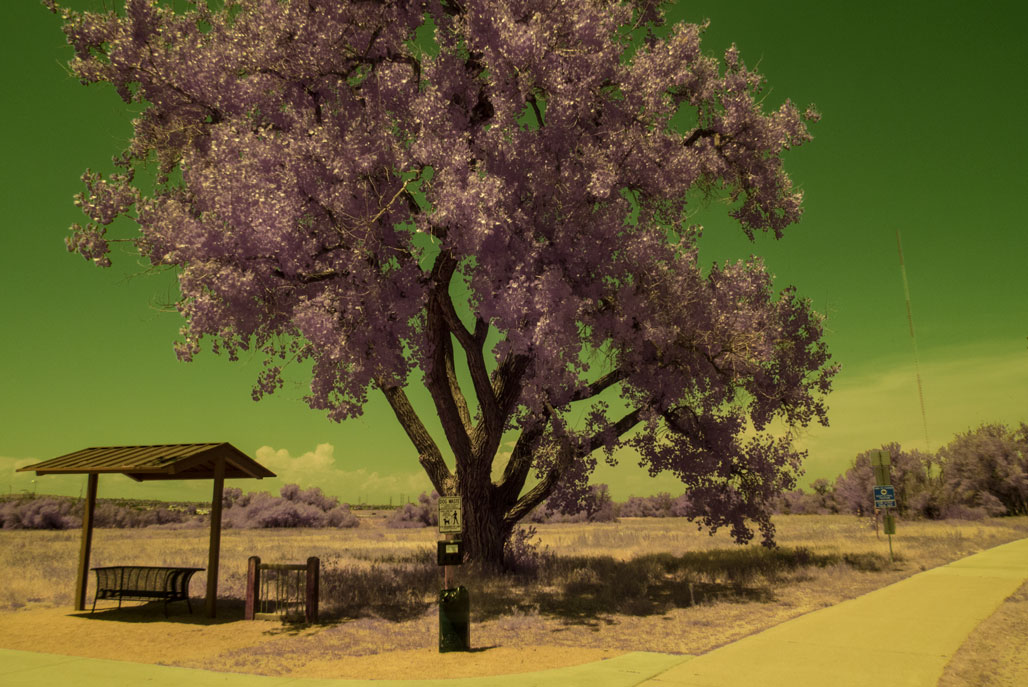
Standard photographic light meters are not designed to measure infrared light. While many silicon-based sensors have some incidental sensitivity to near-infrared (NIR) light, they are often filtered to block infrared light so that the meter only read the visible spectrum. This mean ,it can be difficult to calculate exact exposures but that doesn’t mean you shouldn’t try, especially since digital cameras provide instant feedback. Your LCD screen may not be perfect either and many screens seem overly optimistic, as happens to be the case with today’s featured image.
Keep in mind that two subjects that seem equally bright under normal (visible) light might reflect infrared radiation at significantly different rates and have different IR brightness. That’s why I think it’s a good idea to bracket a series of three to five different exposures and especially do testing with your camera. As you can see from the as-captured and slightly underexposed image above right. I should have taken my own advice and bracketed but I did not. The image does show why bracketing is a good idea. Most DSLRs and mirrorless cameras have a built-in bracketing function that les you make a series of shots at exposures over and under what is considered “normal.” Read your manual for directions because every camera’s going to be a little different on how they accomplish this.
Even if your camera doesn’t have a bracketing function it should have an Exposure Compensation feature that will let you adjust exposures in your choice of one-half or one-third stop increments within the camera’s different automatic exposure modes. If all fails, you should use manual mode. Here’s how I use it: I put he camera in Program mode then look through the viewfinder and see what the suggested exposure is and then transfer that shutter speed and aperture to the camera. Now you are free to change shutter speed or aperture to fit you depth-of-field needs.
 I’ve found that Life Pixel does a great job with IR conversions and they’ve done some of the conversions for my Canon DSLRs and all of my Panasonic Lumix G-series cameras. This is not a paid or sponsored endorsement, just my experience.
New copies of my book, The Complete Guide to Digital Infrared Photography are available from Amazon for $45.21, with used copies selling for around $28, as I write this. New copes of ,y book Creative Digital Monochrome Effects that has a chapter on IR photography are available from Amazon for $11.46, with used copies selling for around eight buck, as I write this.