
Today’s post by David Zimmerman, with Joe Farace
“Memories, even your most precious ones, fade surprisingly quickly. But I don’t go along with that. The memories I value most, I don’t ever see them fading.”― Never Let Me Go
If you read the post, Avoiding Memory Car Problems on my car photography blog, you know that if you shoot a lot of images, and maybe even if you don’t, it’s inevitable that you can run into some problems that could cause you to lose some or all of your photographs. But that doesn’t have to happen.
Here are some tips from an expert on avoiding loss of your images.
- Take your time. When you click the shutter making a photograph, the camera needs time to write and organize the image file. Briefly pause after taking a series of shots to be sure you don’t create file errors for the entire card.
- One card per camera. You should have one dedicated memory card for each of your cameras. Every device has a unique numbering and formatting procedure, so you want to avoid corruption problems that come with mixing cards. Using just one card also avoids accidental deletions or physically losing the card as you move it from camera to camera.
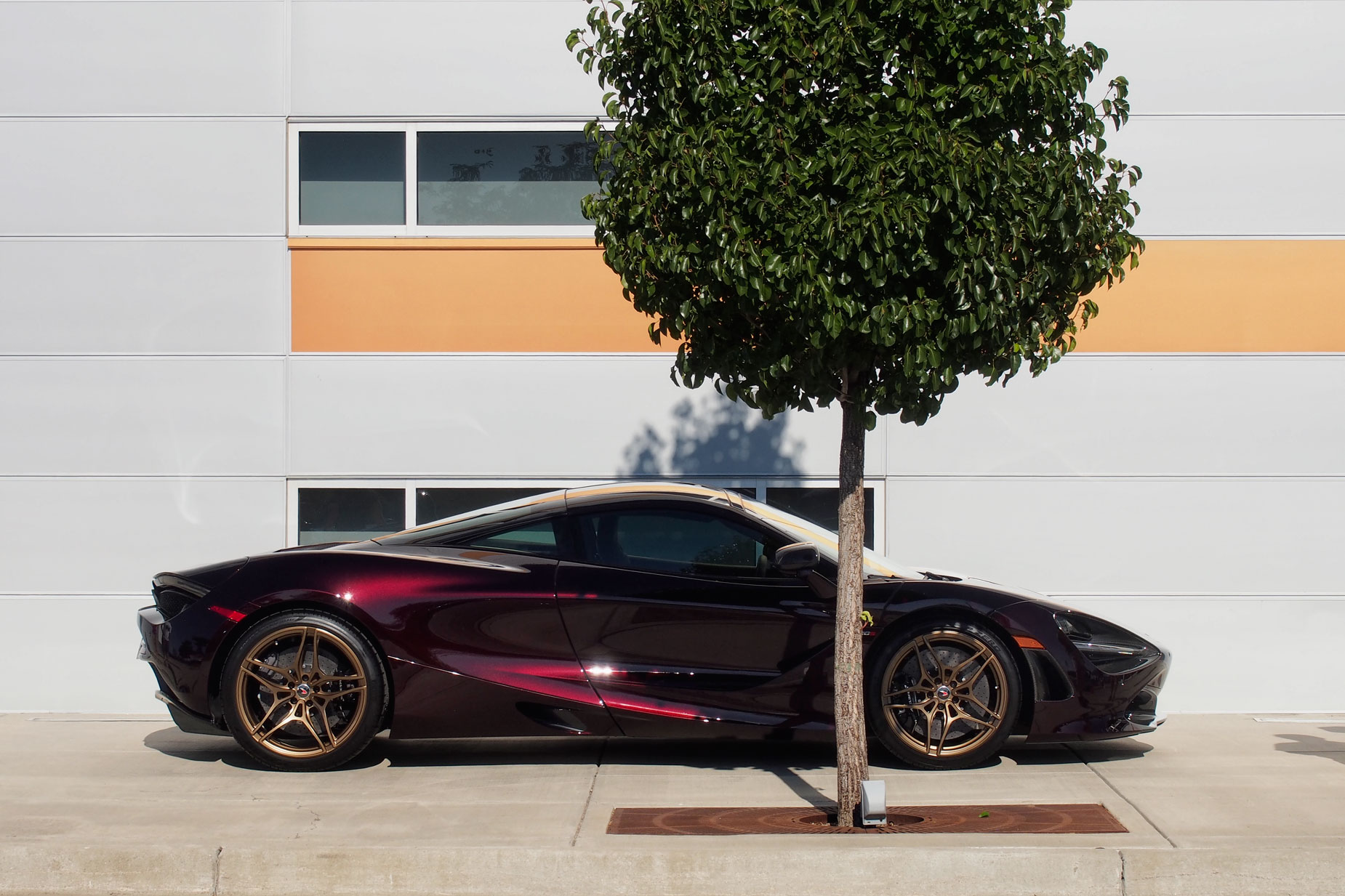
How I made this photograph: I photographed this McLaren at the Cars & Coffee event in Parker, Colorado using an Olympus E-M5 Mark I with Olympus 14-42mm f/3.5-5.6 II R lens and an exposure of 1/640 sec at f/11 and ISO 250. And yes, I have one SD card that’s dedicated to this camera.
- Don’t get’em wet. Similar to the infamous “Gremlins” from the movie, you don’t want to get your SD cards wet. Keep liquids and food away from the gold-plated contact points and inner workings of the cards. Be careful when making pictures in rainy weather and avoid transferring files while sipping your morning coffee or tea.
- Watch the camera’s power. Avoid taking pictures while if the camera’s battery is low. It takes power to run all of the camera’s processes so this can cause errors in how files are written to the card. Have a backup battery handy to ensure you aren’t facing that perfect shot only to discover you’re out of power.
- Pay attention when deleting and formatting. You shouldn’t delete pictures manually to free up card space. Some cameras use a destructive form of deletion, which can overwrite an entire picture’s data, making it impossible to recover. To avoid file corruptions or accidental deletions. leave deletions to later when using your computer’s photo software.
- Use a card reader. This is an easy to use, reliable and cost-effective device you can use to manage your digital photos. Use a card reader that enables fast file transfers from your memory cards to your computer. These kinds of products are inexpensive, convenient and avoid “low battery” issues
David Zimmerman has been in the hardware/software industry for more than 30 years and the data recovery software market for 18 years. This experience has made him uniquely familiar with the data recovery business. LC Technology International are the official data recovery partner of SanDisk and Western Digital and are recommended by top media brands like PNY, Delkin, G-Technology, Canon, Nikon, Sony, ARRI, and many others.