
Today’s Post by Joe Farace
“We become what we behold. We shape our tools, and thereafter our tools shape us.”― Marshall McLuhan
In this time we find ourselves in, I believe that the camera you use and the way that you use it can determine the format or shape of the final image. Look no further than the hundreds of YouTube videos that are shot using a vertical format—the shape of a smartphone—despite almost every moving image, movie or television show that the maker has ever encountered during their lifetimes being displayed horizontally.
I was having coffee with my pal Barry Staver and we were talking about how he was enjoying shooting his Panasonic Lumix GH5 Mark II. He told me that as he begins to shoot more video for his clients he’s also shooting more still images in a horizontal format. And most surprising to me is that his portraits are now, more often then not, delivered to clients in a square format because social media and many websites typically show headshots as square photographs.
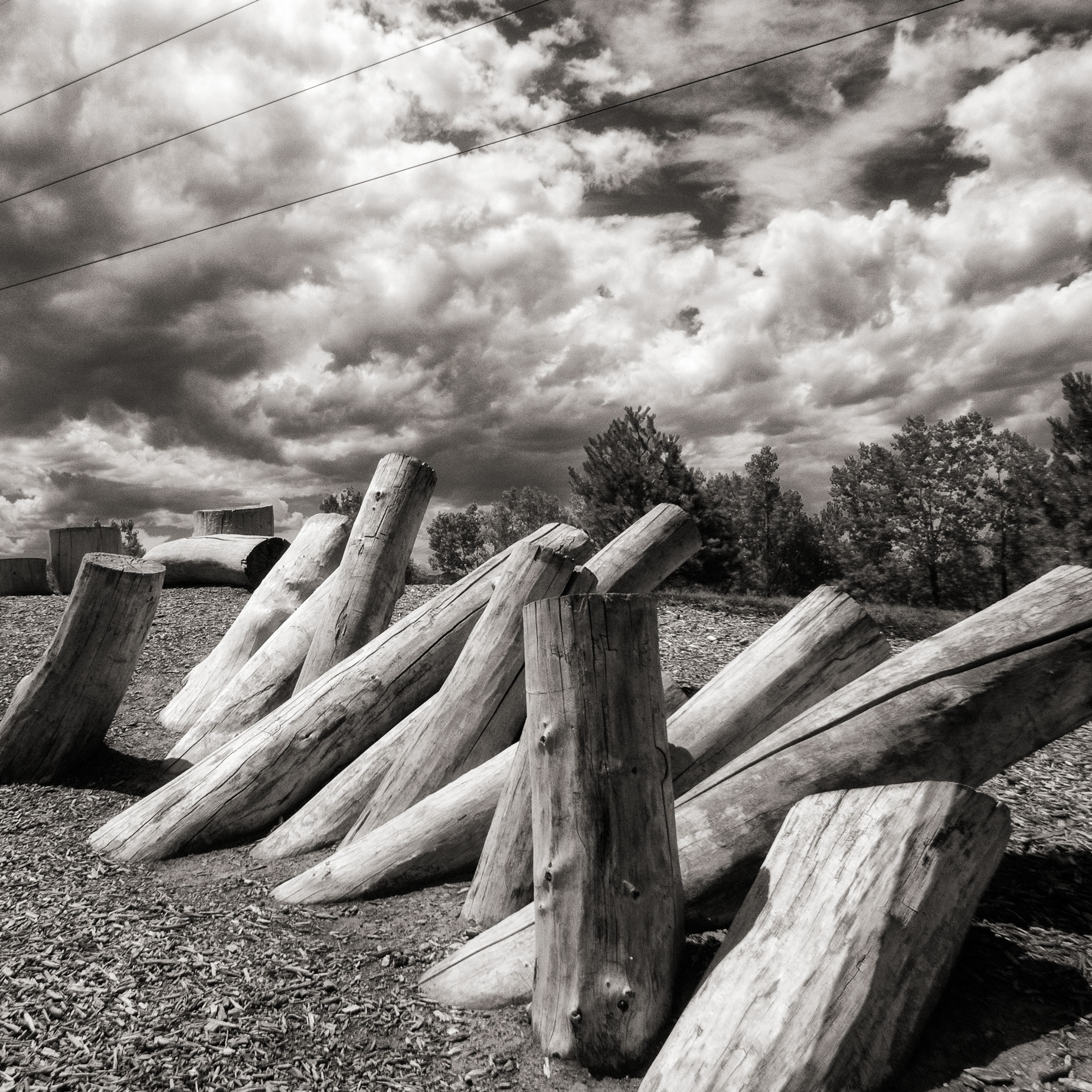 How I made this shot: Equivalents is the name a series of photographs of clouds that were made by Alfred Stieglitz from 1925 to 1934. These images are generally regarded as the first photographs intended to free the subject matter from literal interpretation and, as such, are some of the first completely abstract photographic works of art. In my own humble way this is my “equivalent”i image of a bunch of randomly stacked tree stumps that I made at Hudson Gardens with a Panasonic Lumix GX1 that had been converted to infrared by Life Pixel using their Hyper Color filter which has no nanometer rating. The lens used was a Lumix G Vario 12-32mm f/3.5-5.6 at 12mm with an exposure pf 1/1600 sec at f/13 and ISO 400. The image file was converted to monochrome with Silver Efex and cropped in Photoshop using their 1:1 ratio Crop Tool.
Back in the film days, when I got my first medium format camera, a Mamiya C33 TLR, it was designed to make photographs in the classic 6X6 square format and to tell the truth I never thought much about formats at the time. I happily made many thousands of images with that camera as I also did later when I upgraded to a Mamiya C330 and C220 before switching to a Hasselblad 500CM, another square format film camera. The legendary photographer Ernst Wildi, who wrote Master Composition Guide for Digital Photographers, came at this subject from the perspective of a lifetime of using a square format Hasselblad.
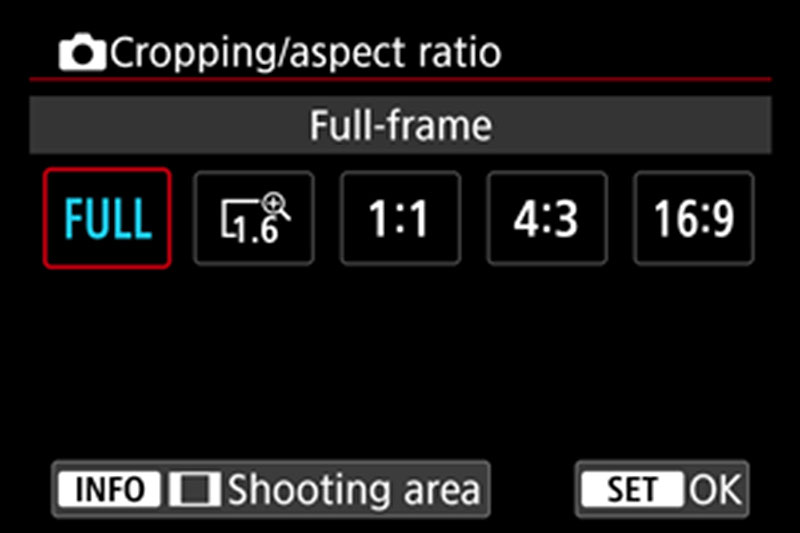 Determining the shape of your images all boils down to aspect ratio. If you have time, please read my post Full Frame vs Full Image that goes into more detail on this subject. These days most DSLRs and mirrorless cameras let you shoot in ratios from 3:2, 4:5, 4:3 and yes even 1:1 aka square. You’ll find a menu, similar to the one at right, on most cameras that lets you chose the size and shape of your captured JPEG file.
So the next time you’re making a portrait, set the camera in 1:1 mode to see if you like the results. And, like the cover of The Hitchhiker’s Guide to the Galaxy says “Don’t Panic” if you don’t like it. You can always shoot in your preferred aspect ratio and crop later using Photoshop’s Crop Tool that provides many different options, including 1×1 Square.
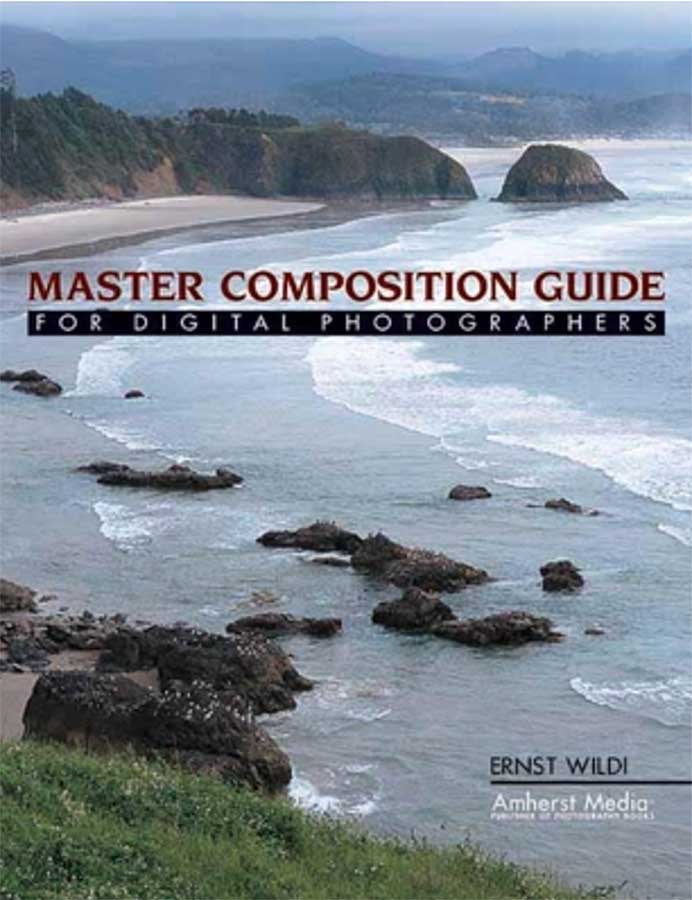
Ernst Wildi’s book Master Composition Guide for Digital Photographers is available from Amazon, as I write this, with new copies selling for $27.56 and used copies starting around four bucks making this the photography how-to book deal of the century.