
When I was having trouble coming up with a theme for Tuesdays, my wife suggested “Tricky Tuesday” as a way for me to share some of the tricks, tips and techniques I’ve used when shooting glamour images in the studio. This Tuesday’s post features the amazing Alice Ivers.
Today’s Post by Joe Farace
“The world always looks nicer when it’s a little blurry,”—Jenny Lawson
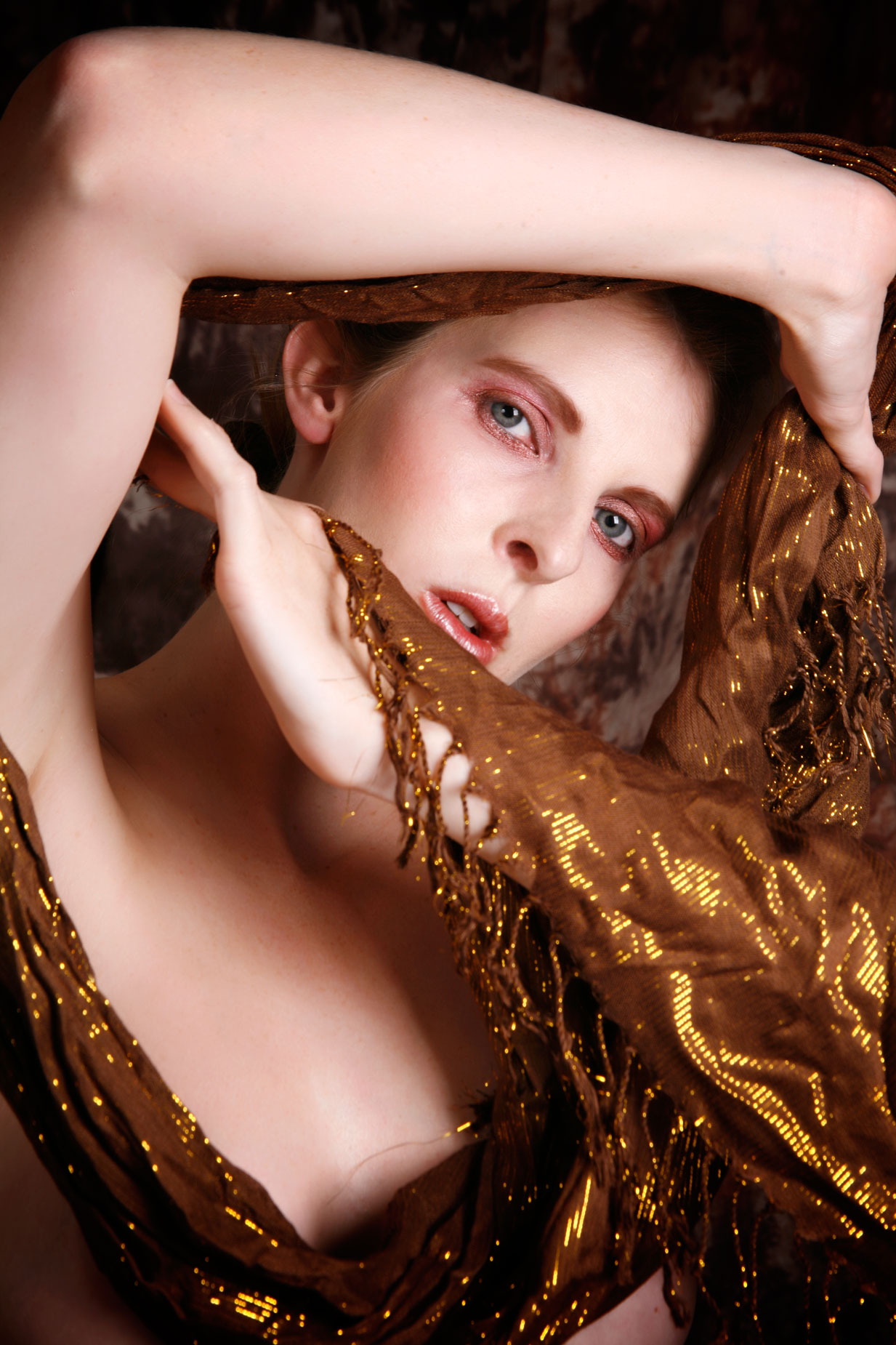 I once received an e-mail from reader named Carol Baker. As a movie buff you gotta know that name got my attention. Carol told me that she likes “the effect that blur and selective blur can have” and feels that “blur and selective blur can add mystery and depth to an otherwise ordinary photograph.” I think she is right!
Blue or Soft Focus?
Here’s few quotes to guide you: As far as I know, there is no “rule” about how much blur or soft focus you can apply to a portrait before its too much. As the Late Eddie Bafford, often said when working in the traditional, wet darkroom: “You need to have someone standing next to you with a 2×4 to hit you ‘upside your head’ when you get carried away (with darkroom manipulations.” The best advice may be, to quote Emeril Lagasse is to “season to taste,” but that doesn’t mean you can’t have a few Photoshop tricks, when using plug-ins like Color Efex, up your sleeve.
- First, don’t be afraid to yank the sliders on a blur/soft focus plug-in to the extreme ends to see what effect this produces. Even after you apply a filter, there’s always the UNDO command waiting in the wings and I promise you that no pixels will be harmed in the process especially when working with a copy of that original file.
- Second, don’t forget the FADE (Edit > Fade…) option that appears when most filters are applied to an image. You can use its slider to apply the Filter at anywhere from 1% to 99% to create the desired soft or blurry effect.
- Third, apply blur/soft focus to a separate layer. With the effect placed on a duplicate layer you can lower that layer’s opacity allowing part of the bottom layer to show through, giving you the ability to control how much blur is applied and more…
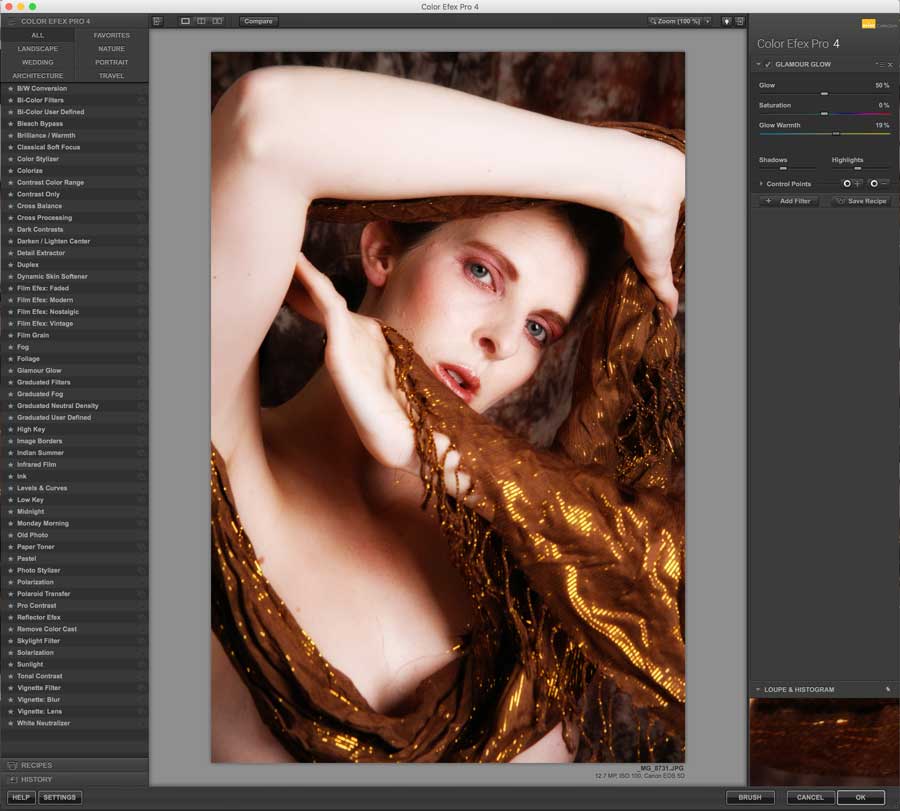 How I Made this Portrait: The lighting for the above portrait of Alice Ivers used Speedotron’s DM402 2 CC Head Kit. The background, what you can see of it, was from Silverlake Photo Accessories. This image was made using a Canon EOS 5D Mark I and EF28-135mm f/3.5-5.6 IS USM lens at 95mm with an exposure of 1/125 sec at f/13 and ISO 100. This image was cropped, as you see it, in camera. My mentor, Leon Kennamer, always said “to get it on the negative” and I try to do that whether shooting film or digital. Soft focus and diffusion effects were added (on separate layers) including Classical Soft Focus and Glamour Glow from Color Efex .
Tip: For more control you can erase part of the duplicate layer allowing parts of the original file to show through. You can also change the Eraser tool’s opacity so it doesn’t erase everything and gently erase the blur/soft focus layer over a subject’s eyes,. for example, to allow the sharp layer to show through. This is an especially good trick for portraits because the sharpness of the subject’s eyes are critical in keeping the viewer’s attention.
 If you enjoyed today’s blog post and would like to treat me to a cup of Earl Grey tea ($2.50), please click here. And if you do, thanks so much.
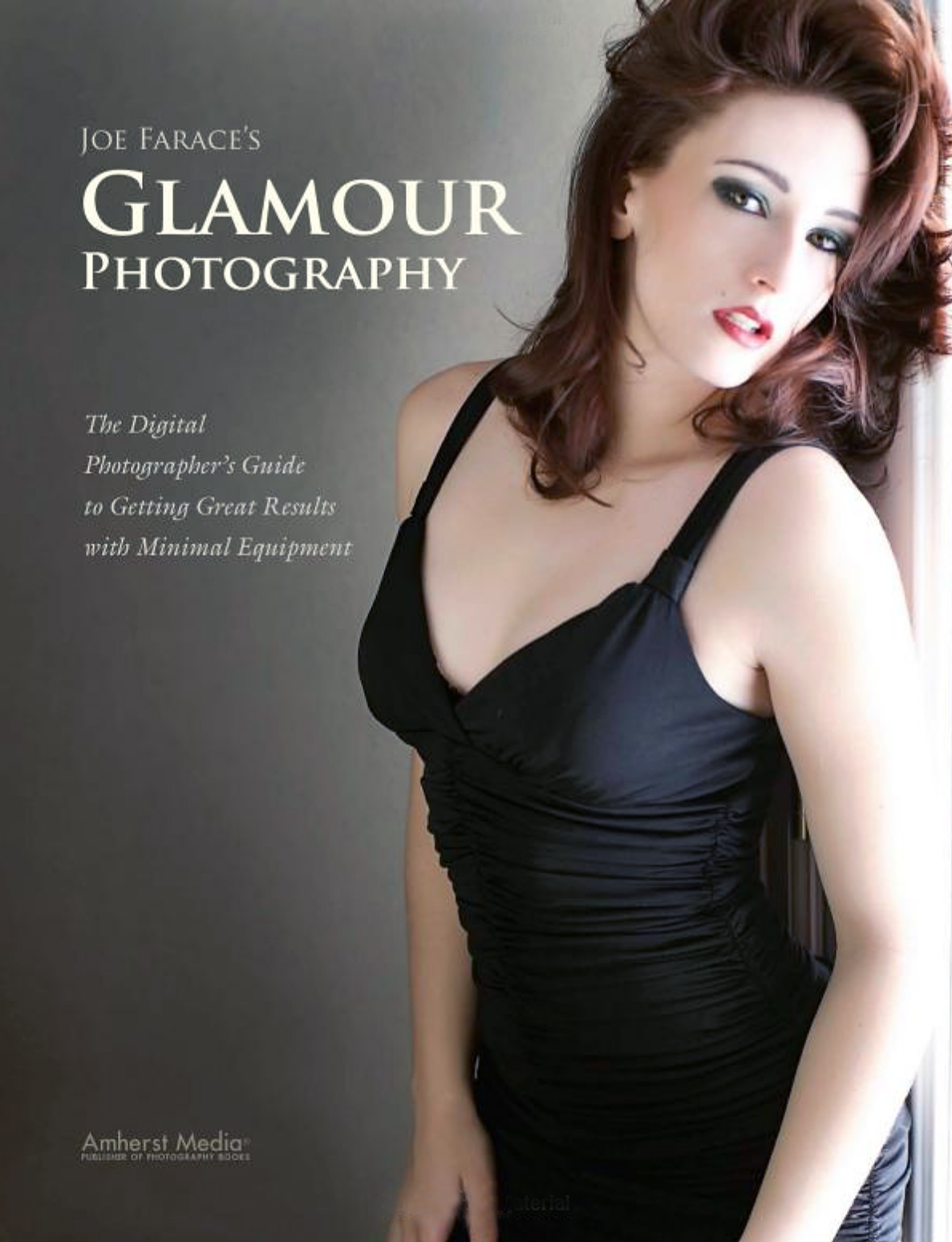
My book Joe Farace’s Glamour Photography is full of tips, tools and techniques for glamour and boudoir photography and includes information on all of the cameras used as well as the complete exposure data for each image. New books are available from Amazon for $23.99 with used books starting around ten bucks.as I write this. The Kindle version is $19.99 for those preferring a digital format.