
My Sunday Series on Available Light Portraiture continues today with a portrait of Ashley Rae that was captured in the dining room of my former home using window light from a narrow South-facing window with some fill from an LED light panel.
Today’s Post by Joe Farace
Soft focus is an important skill that can effect us metaphorically. In other words, the way we see the future has everything to do with how well we can look up and see the expanded horizon before us.—Peter Kline
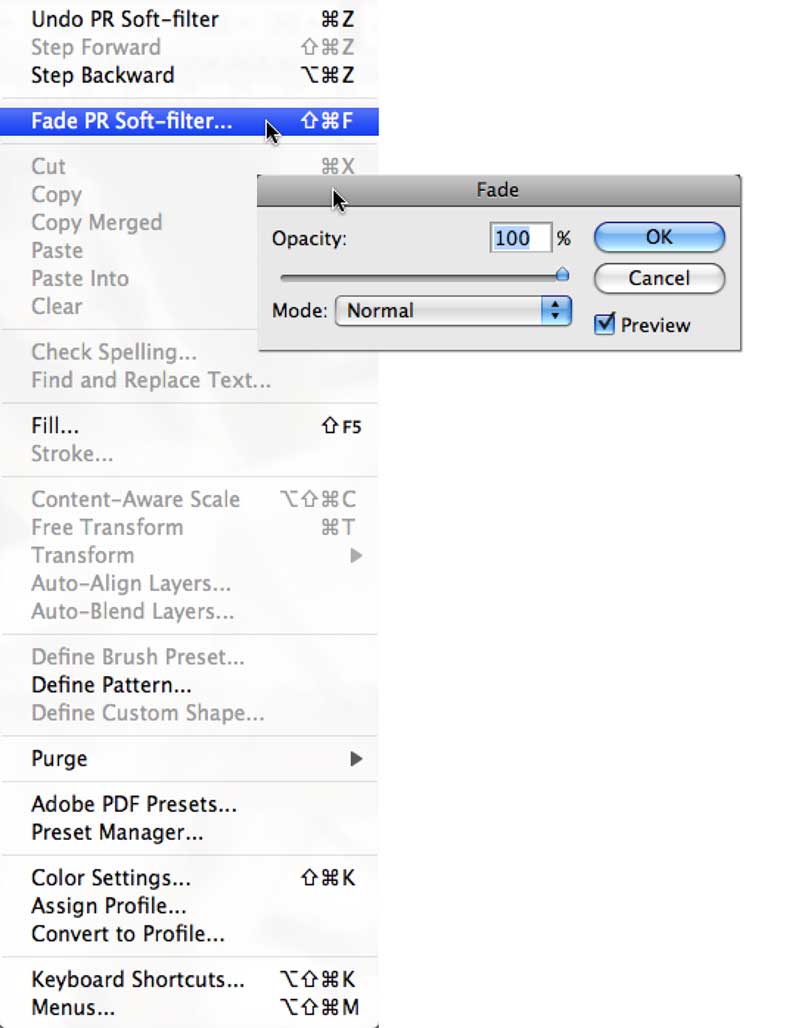 The main different between soft focus and blur is intent. Soft focus reduces an image’s sharpness while intentionally creating a dreamy, glowing effect while retaining some detail. It can be produced by using special lenses, filters or, in the case of the featured image, software. Blur, on the other hand, is typically unintentional and is caused by missed focus, camera shake or subject motion and can make images look fuzzy and undefined. But sometime it can be intentional to produce special effects either in-camera or created with software too.
As far as I know, there are no rules about how much blur or soft focus you can or should apply to an image file but that doesn’t mean you can’t have a few tricks up your sleeve. Like many special effects, you can apply a greater amount of soft focus or blur to larger image files than smaller ones. Applying the same amount to smaller-sized files can end up with them looking mushy but, as always, you are the one that gets to decide how much is too mush.
Soft Focus or Blur?
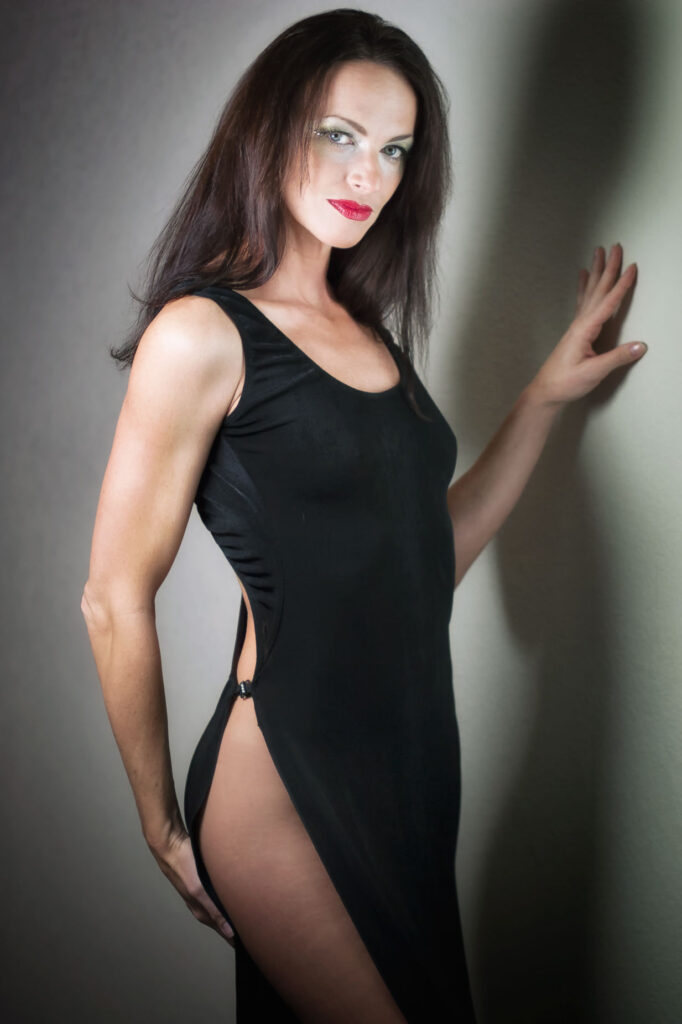 Let’s start with a few suggestions when using any kind of soft focus or blur software filter: Start by moving any sliders or other controls to their extreme ends to see what the maximum (and minimum) effect will produce. If you don;t like what you see, don’t panic! Even after you apply a filter, there’s always the Undo command and don’t forget Photoshop’s Fade option. After applying a filter, you can reduce its effect by applying the Fade command (Edit > Fade.) You can use the Fade slider to apply the Filter at various levels from 1% to 99% to create the exact soft or blurry effect you want.
Layers are an important tool in creating soft or blurred focus effects. Before applying a filter, it’s a goof idea make a duplicate layer (Layer > Duplicate Layer) of the original photo and apply the filter to the duplicate layer. That way, you can lower the layer’s Opacity setting through the Layer’s palette allowing part of the bottom layer to show through. For even more control you can use the Eraser tool to selectively erase portions of the blur/soft focus effect layer allowing you to place the viewer’s focus on a critical part of the photograph, like the subject’s eyes, to give the impression of sharpness while maintaining an overall soft focus.
How I made this portrait: I photographed the wonderful Ashley Rae in the dining room of my former home as part of what became a controversial shoot* that I did for an article in the print edition of a photography magazine. Lighting was a mixture of daylight coming from the South-facing window in the back door of the house and out of camera range with an LED light panel at camera left used as fill and give the moody wall shadows. The camera used was a Canon EOS 20D with the EF 85mm f/1.8 lens. The exposure was 1/200 sec at f/2.5 and ISO 400 with a minus one and one-third stop exposure compensation. That’s not a photographic background, just my dining room’s white wall. .
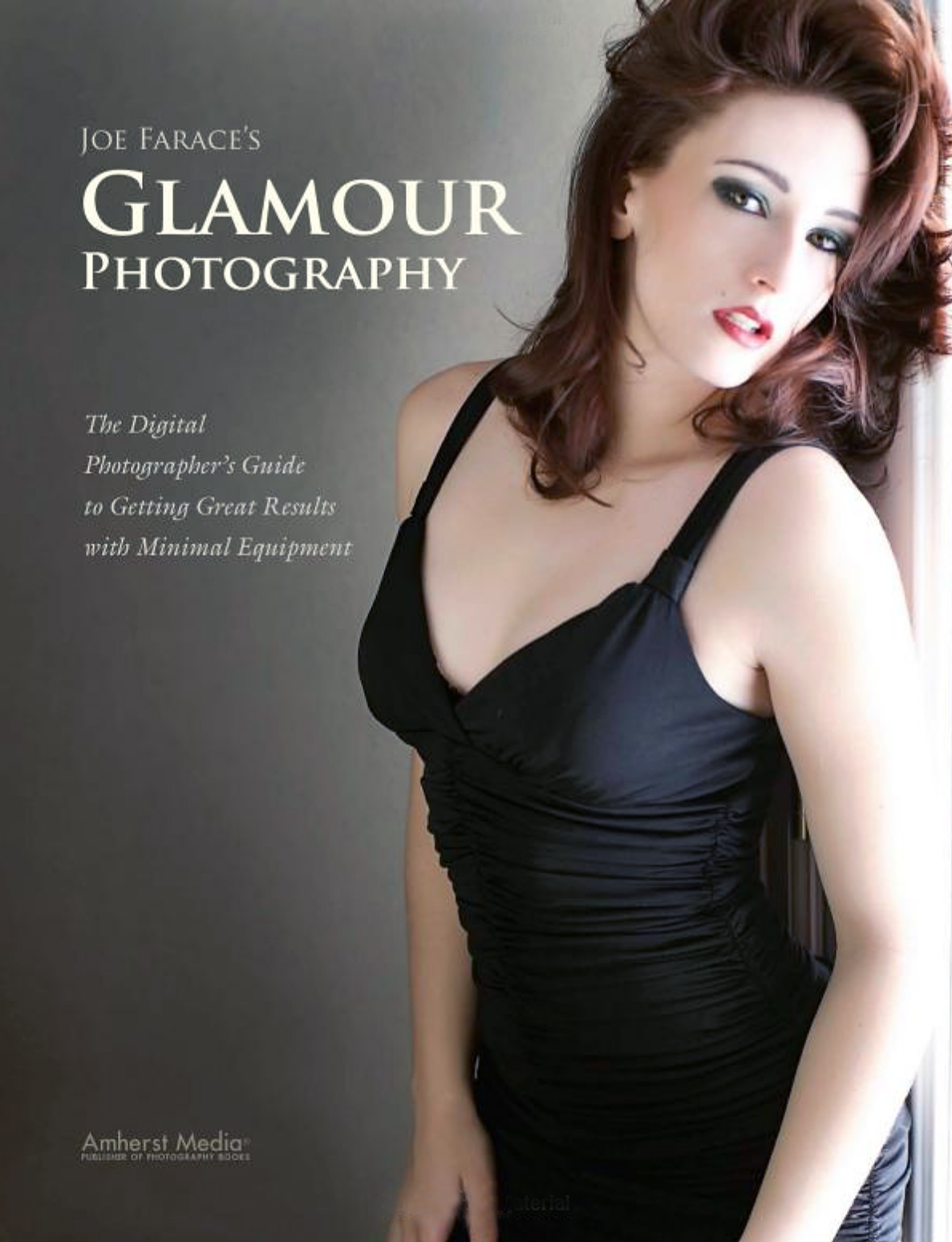
My book Joe Farace’s Glamour Photography is full of tips, tools and techniques for glamour and boudoir photography and includes information on all of the cameras used as well as the complete exposure data for each image. New copies are available for $28.56 with used books starting around twelve bucks.as I write this. The Kindle version is $19.99 for those preferring a digital forma