
My wife suggested “Tricky Tuesday” as a way to share some of the different tricks, tips and techniques that I’ve used over the years of shooting glamour images. Today’s post is somewhat different than last Tuesday’s post about soft boxes and umbrellas.
Today’s Post by Joe Farace
Being glamorous is about strength and confidence. It’s black and white – dramatic. You have to be strong. —Catherine Zeta-Jones
 When shooting film, there are several ways you can capture images. You could shoot color negative or slide emulsions or you could use black and white film. Either option lets you create a different version of that same photograph. To your eyes the original scene might look the same but your photographic interpretation will vary based on the kind of film loaded into the camera. That’s why medium format film cameras, like the Hasselblad, that have interchangeable film backs were so popular. When we owned our studio, Mary and I often used this equipment as a selling point when pitching clients who needed both monochrome and color images from a shoot.
It’s All Black & White to Me
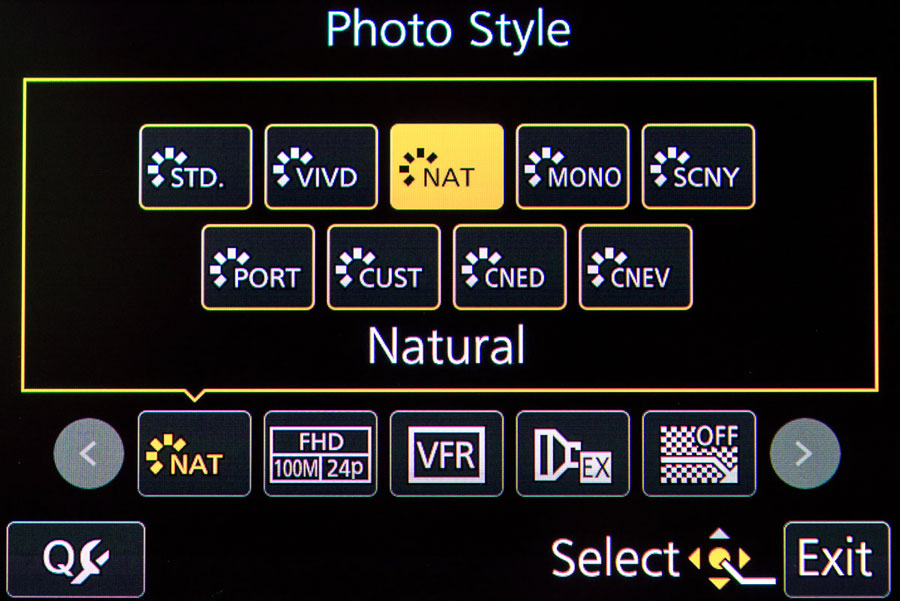
Nowadays, most DSLRs and mirrorless cameras offer several options for monochrome capture and some even offer a palette of toning that you can apply. Some Fujifilm cameras have four different monochrome modes, three of them have different color filter implementations or… you can always make adjustments after the fact by using Photoshop as I did with today’s featured portrait.
Here’s three reasons why monochrome may be a good idea for glamour portraits:
Aesthetics: Sometimes too much color in an image can take the focus from the photograph’s real subject. Shooting in direct black and white impacts how you see while you’re making photographs and allows you show your model what you’re trying to accomplish. It saves having to explain that you’ll convert the shot into monochrome later; it’s already there for her to see in black and white!
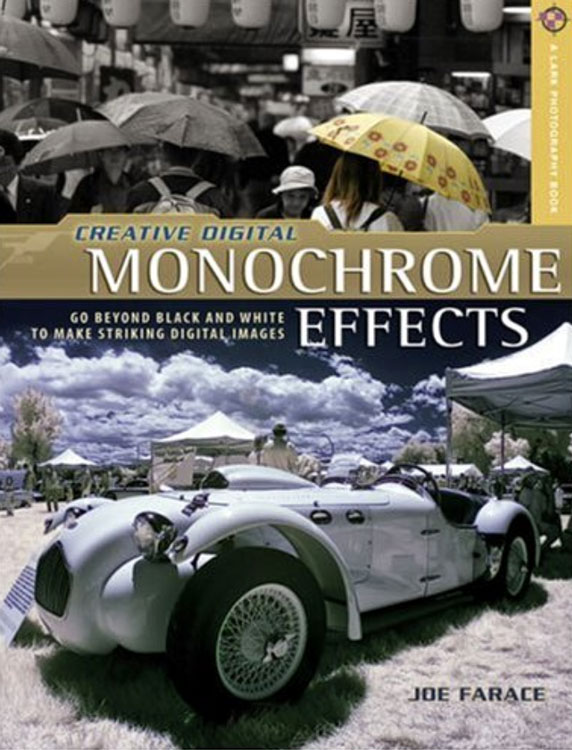
 Workflow: If you want to make prints on-site or drop the memory cards off at a local printer or lab, capturing directly in black and white saves time. But there’s many ways to use software and Photoshop-compatible plug-ins to produce great looking black and white images from color files. I even wrote a book about it called Digital Monochrome Special Effects. with new and used copies selling for affordable prices as I write this,
Feedback: Perhaps the best reason to shoot in monochrome is the feedback you and the model get by looking at the captured black and white image on the camera’s LCD screen. With mirrorless cameras, you’ll get in in the viewfinder as well. One of my favorite tricks is to shoot glamour and boudoir session using RAW+JPEG capture, with the camera’s Monochrome mode selected. This approach produces two files: A color RAW file and a black and white JPEG that’s used as a preview during the shoot and the RAW file used for later processing. It’s much easier to retouch a RAW color file than a black and white JPEG image because there are so many more tones available to work with. And multi-card slot cameras make keeping them on separate memory cards useful for workflow too.
That’s not to say that the best way to capture monochrome glamour images is in camera. That approach is just another tool that I use when creating monochrome portraits. But everybody’s workflow is different so it’s always best to do what works for you, so ultimately it’s your call.
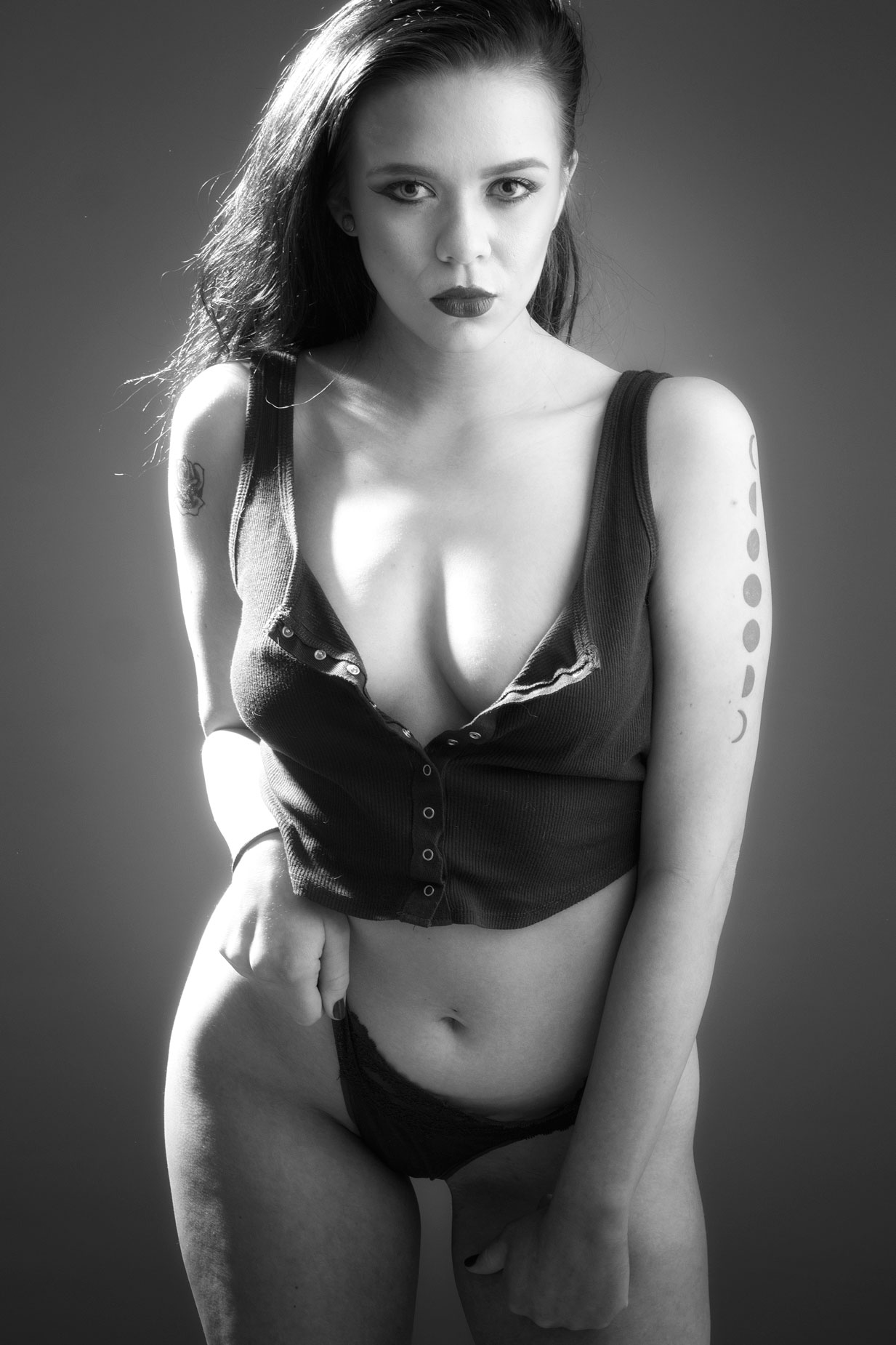
How I Made this Portrait: The specs for Ashley Hannah’s portrait above are: The backdrop used was a 5×7-foot Savage Photo Grey Infinity vinyl background. Lighting was provided by my usual combination of Paul C Buff’s Alien Bees and DigiBees monolights. The camera used was a Panasonic Lumix GH4 with G Vario 14-45mm f/3.5-5.6 lens at 45mm with an exposure of 1/125 sec and f/8 and ISO 200. The RAW file was retouched and was then converted to monochrome using Silver Efex’s Standard 000 Neutral preset with the blue filter engaged. The final image was tweaked with the Glamour Glow filter in Color Efex.
 If you enjoyed today’s blog post and would like to treat me to a cup of Earl Grey tea ($2.50), please click here. And if you do, thanks so much.